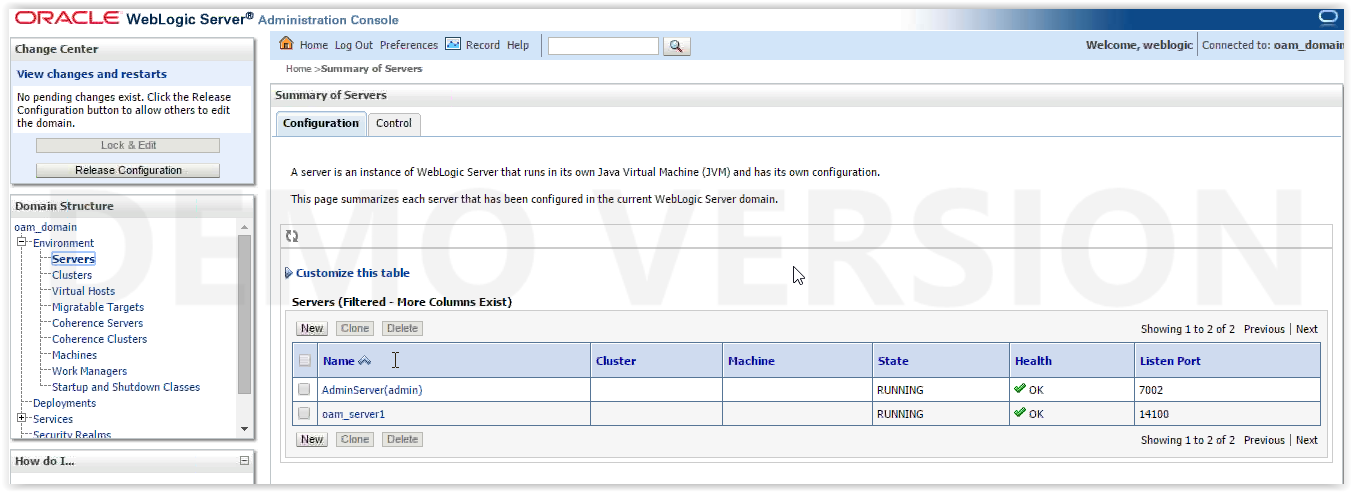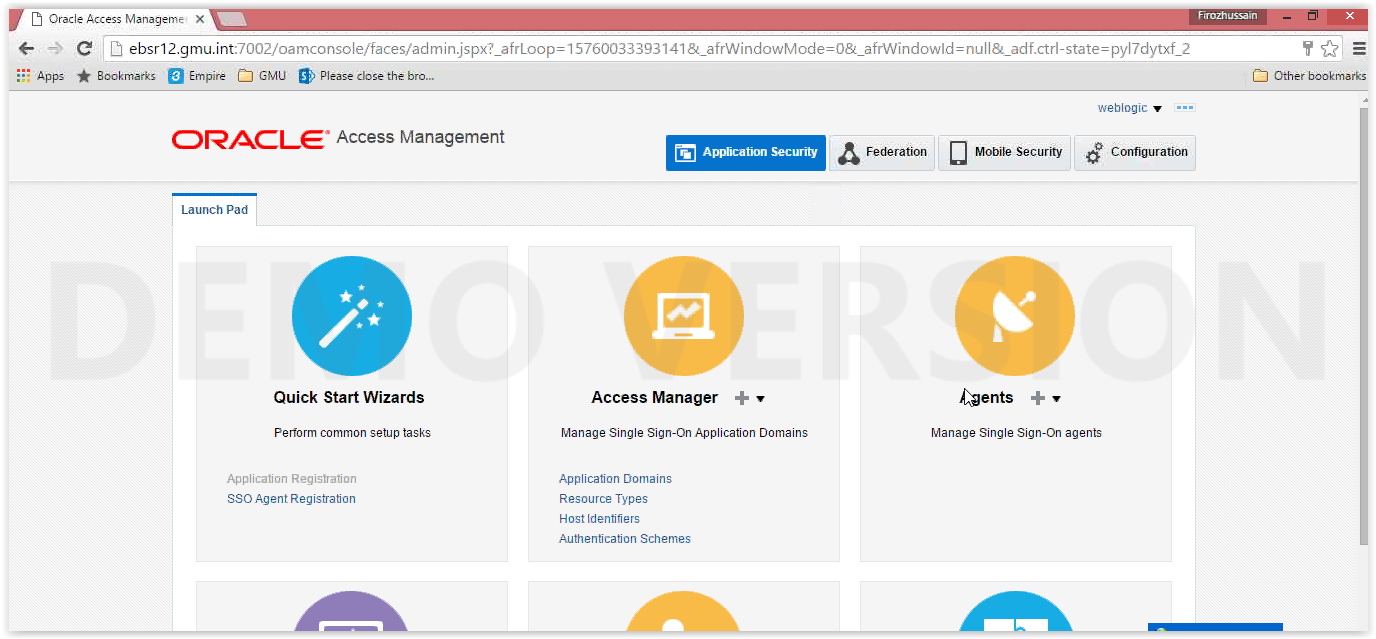
Continuation of SSO configuration :
Oracle Access Manager 11.1.2.0.0 installation and upgradation to 11.1.2.3.3
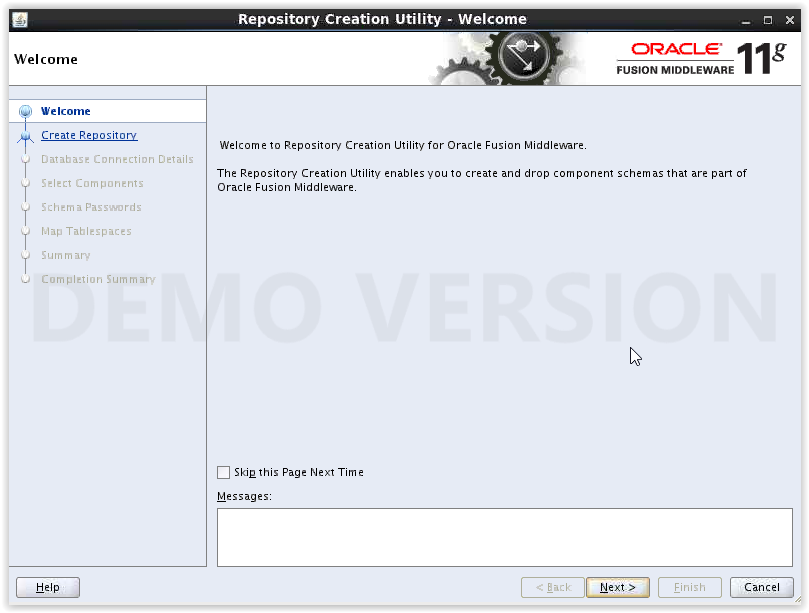
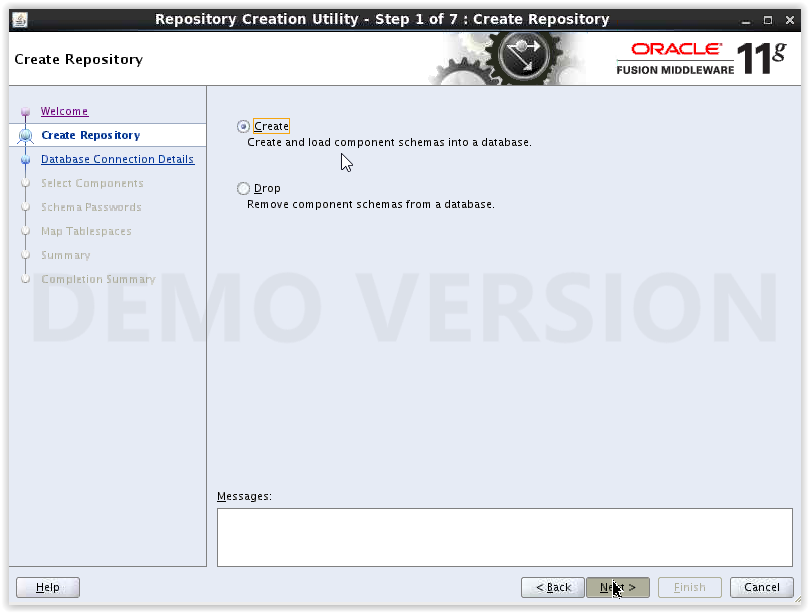
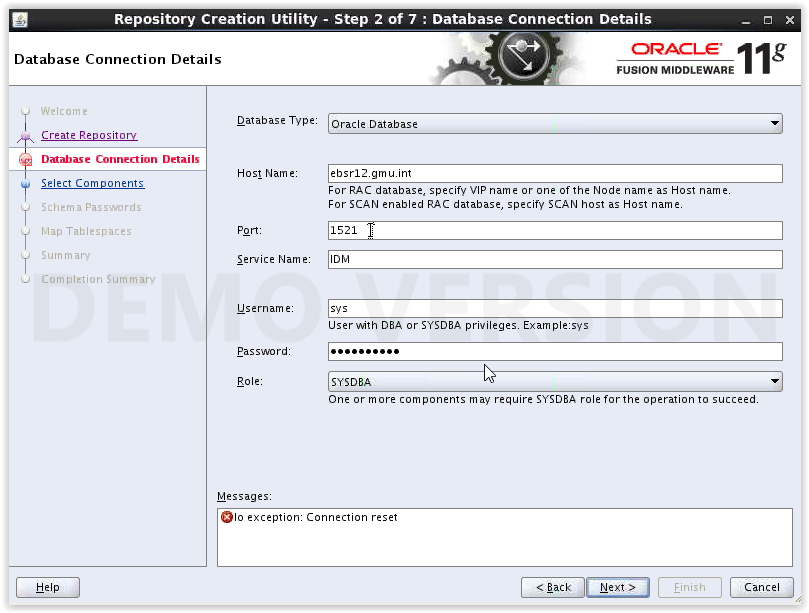
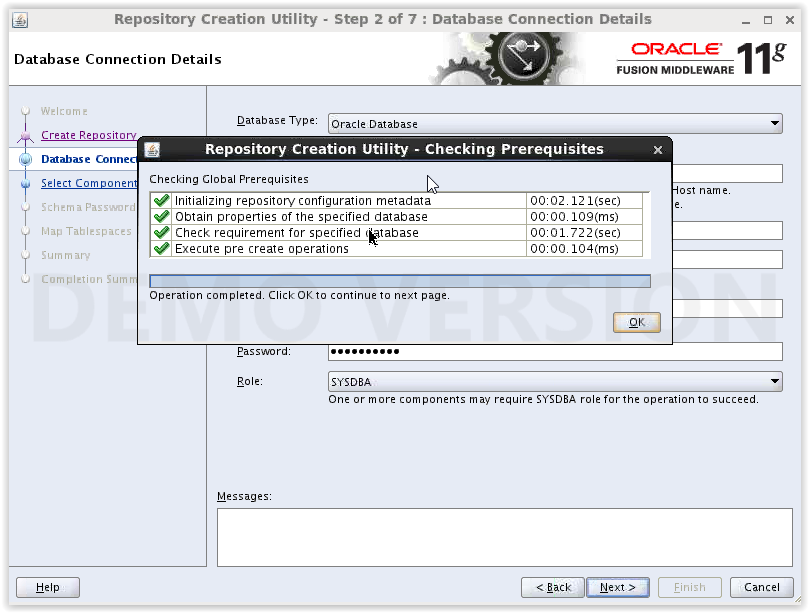
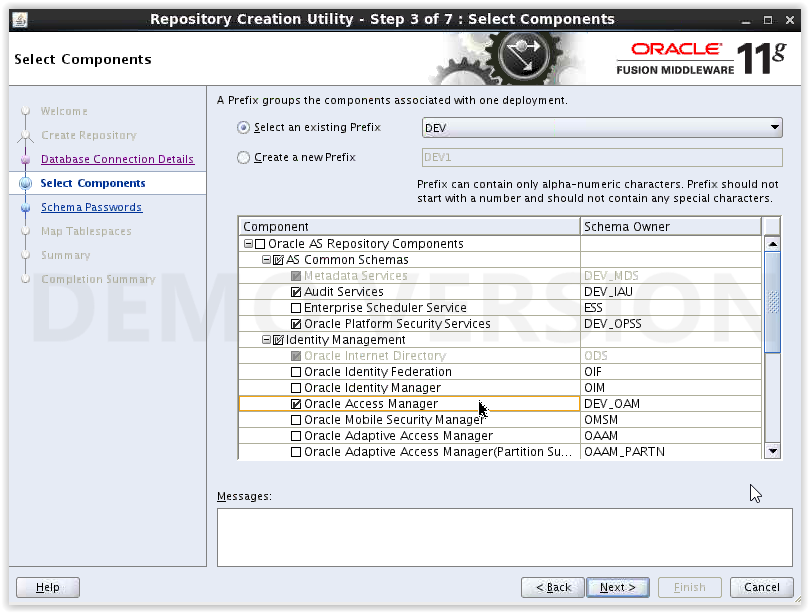
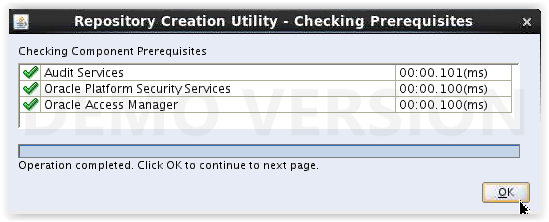
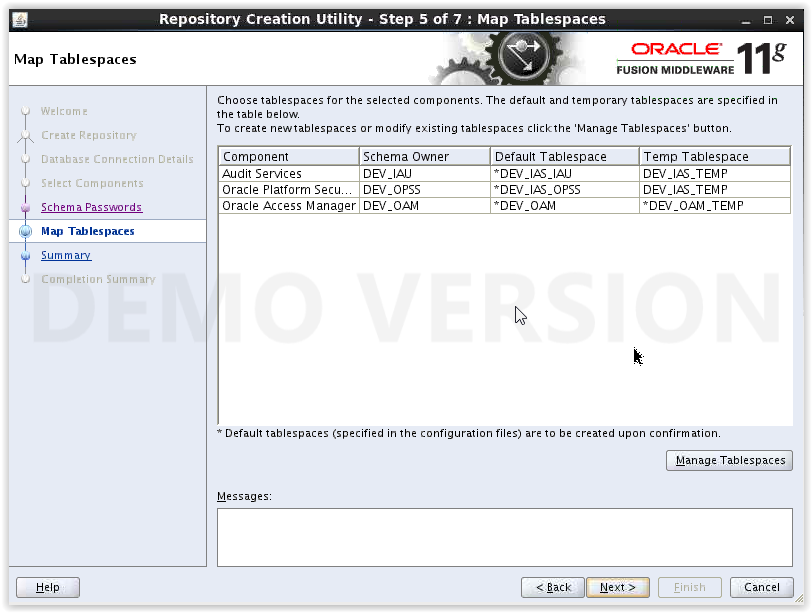
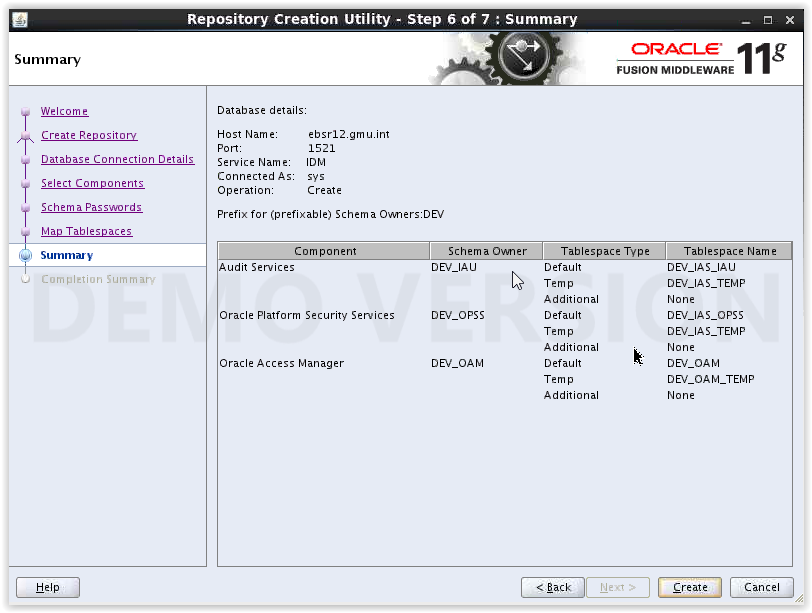
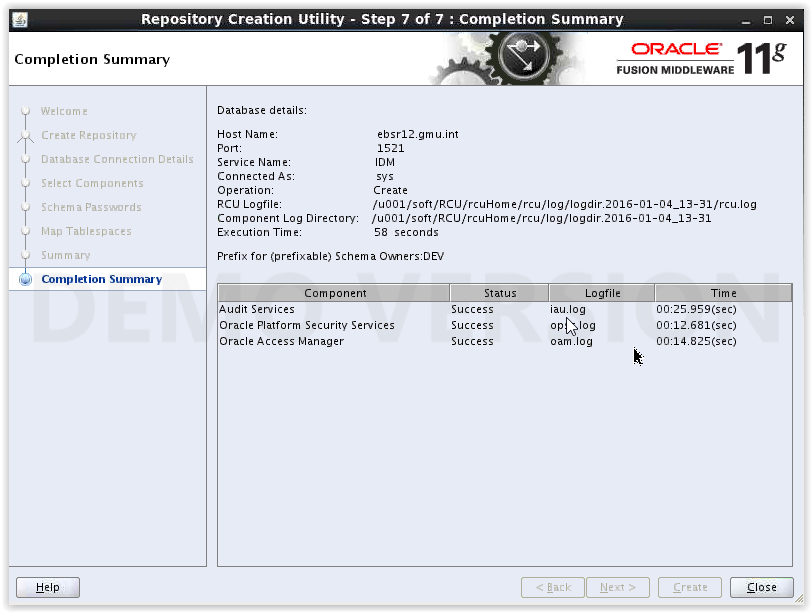
Using RCU (11.1.1.9) create schemas related to OAM:
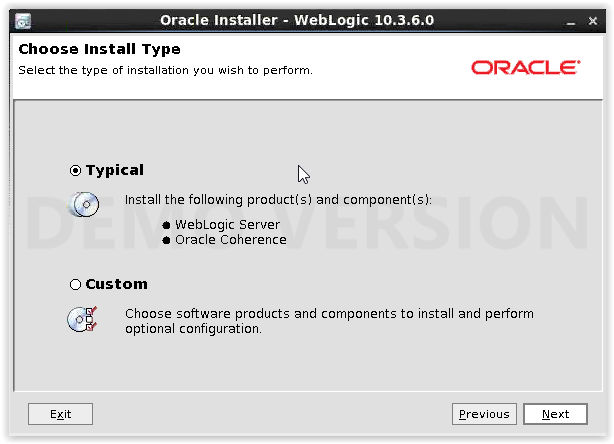
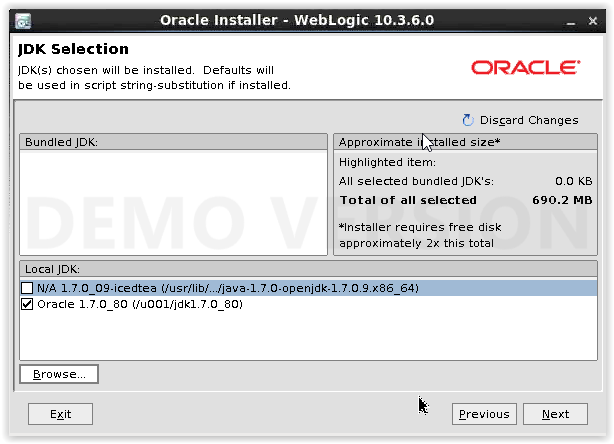
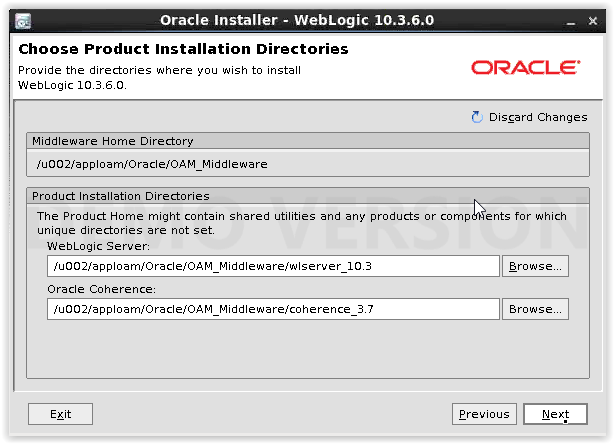
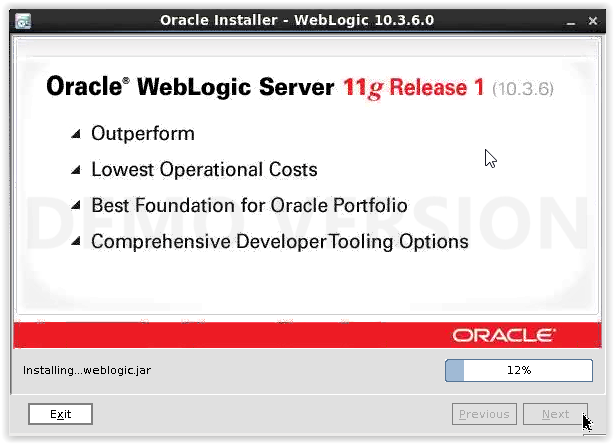
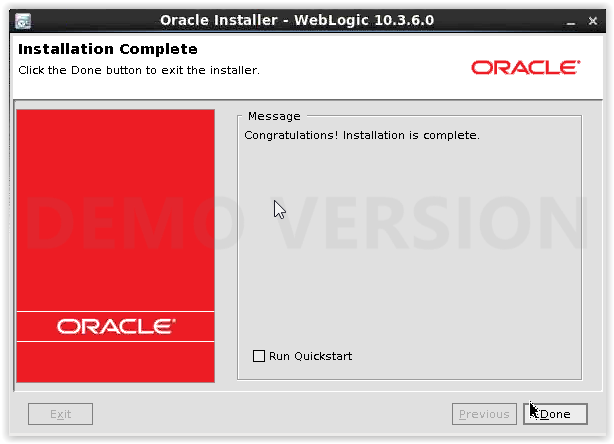
Installing weblogic server (10.3.6) for OAM :
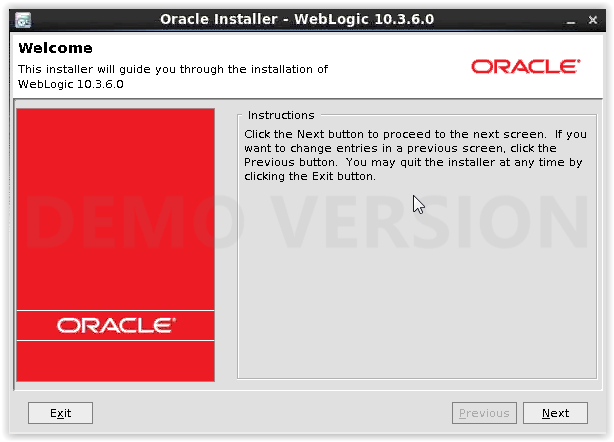
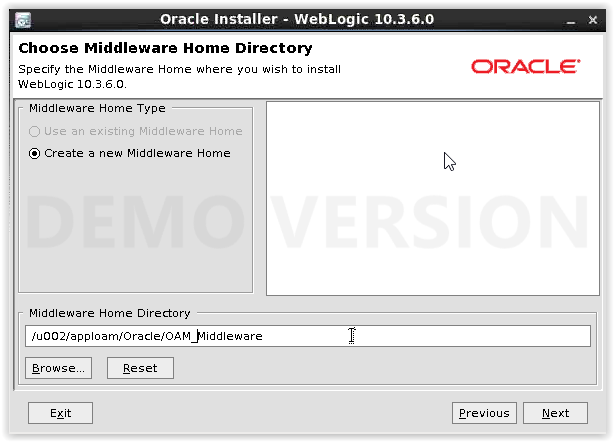
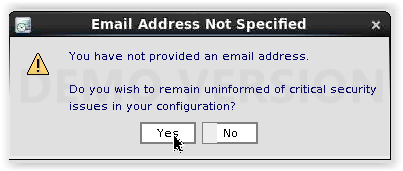
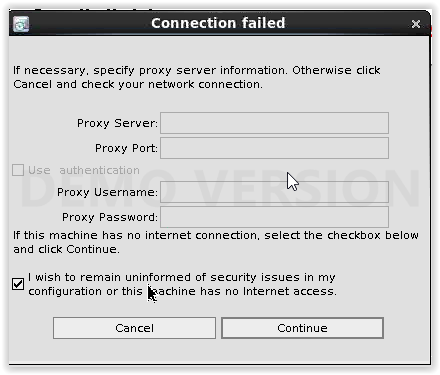
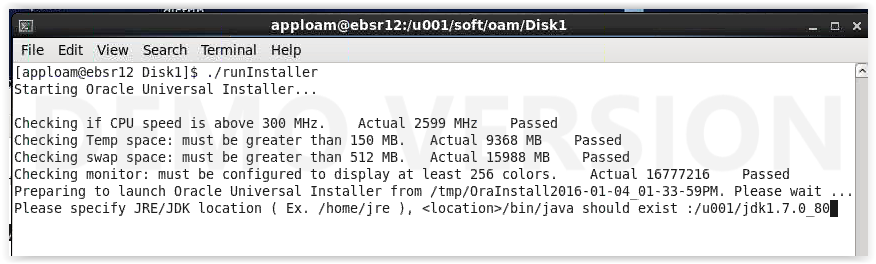
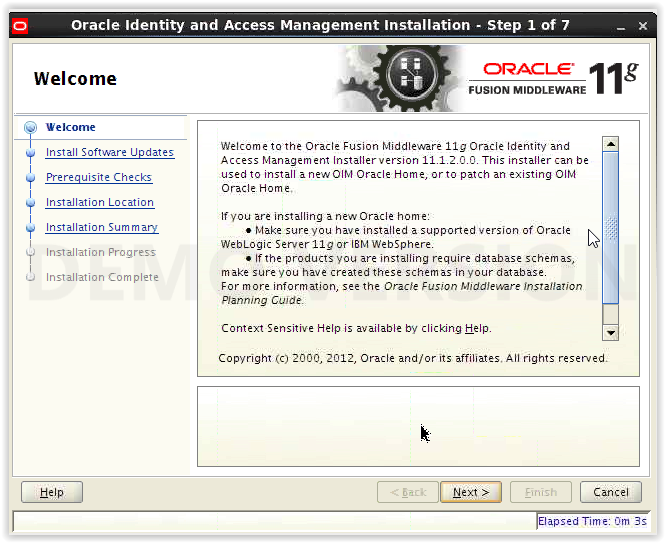
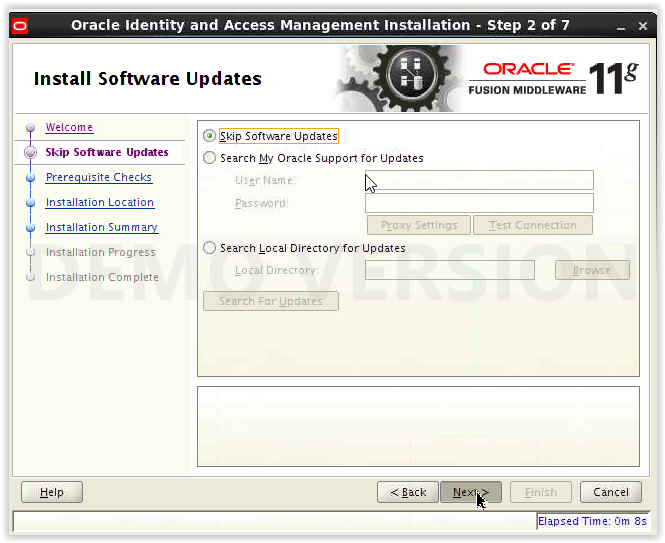
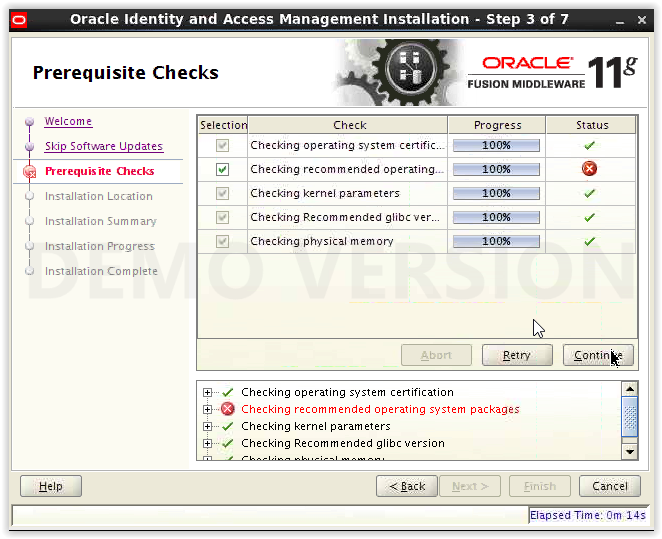
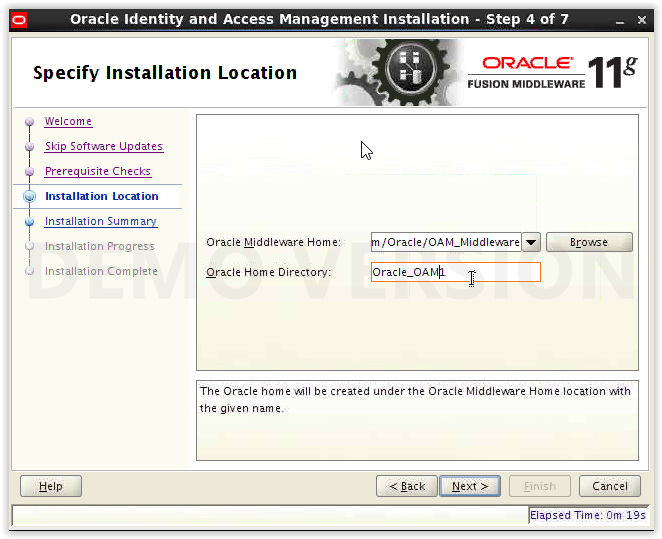
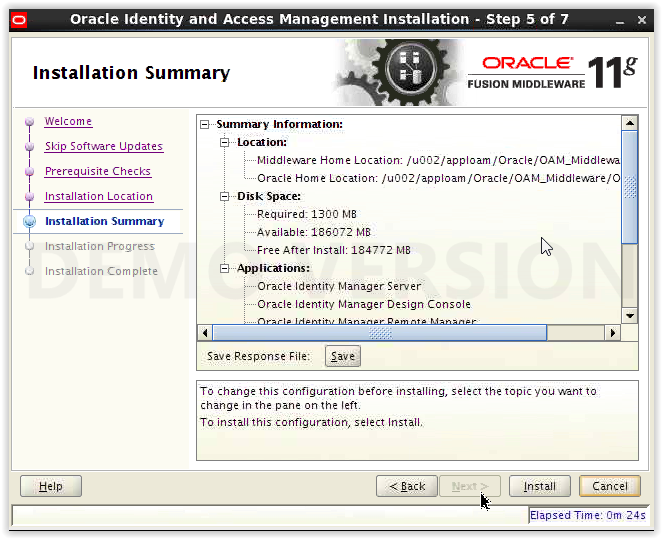
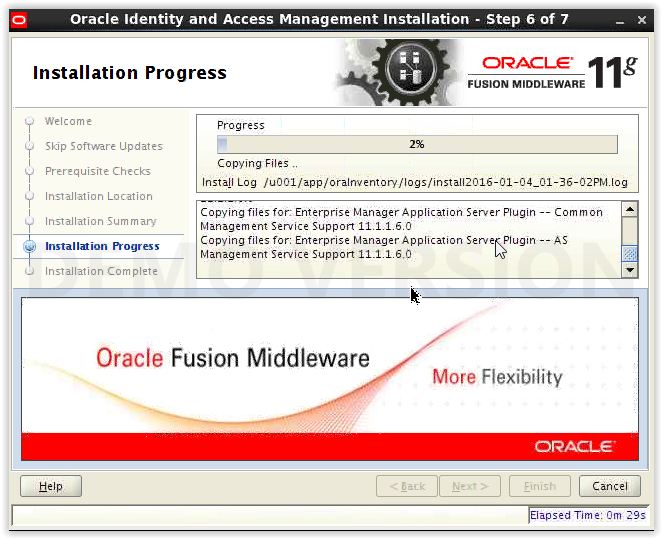
Installing Oracle Access Manager (11.1.2.0.0):
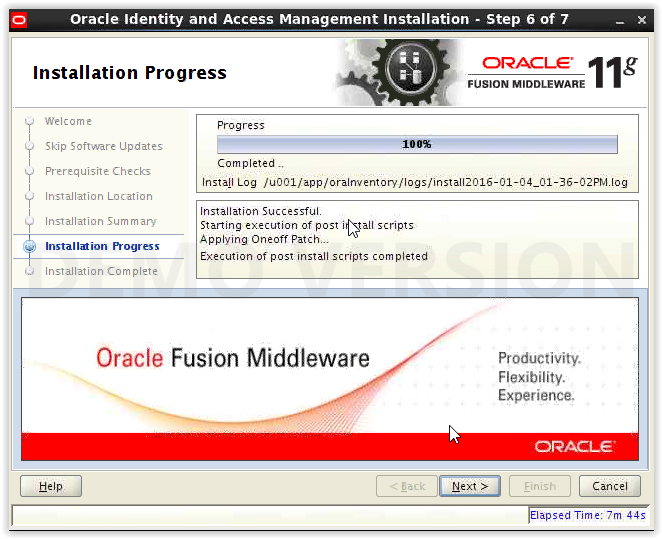
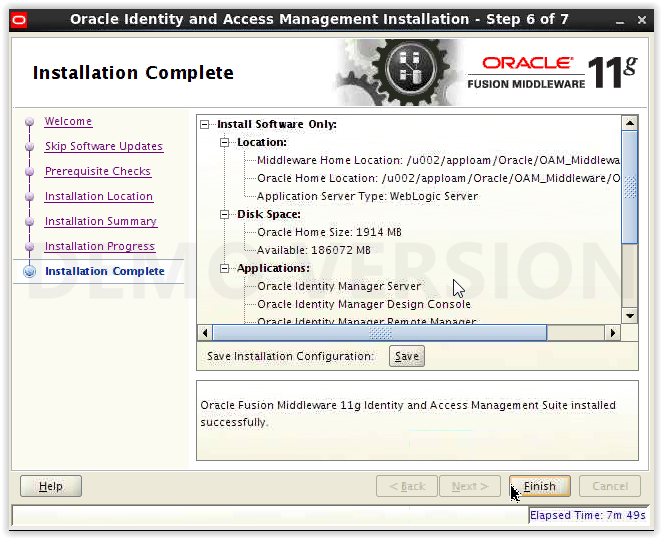
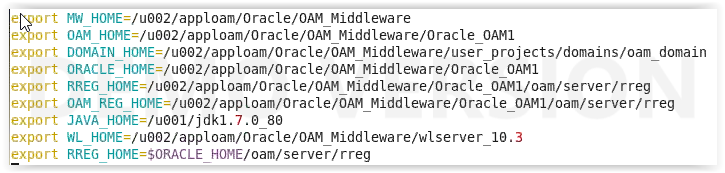
Setting Environment Variables for OAM :
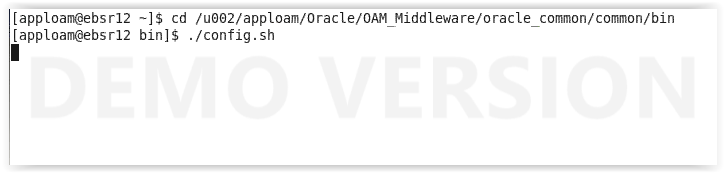
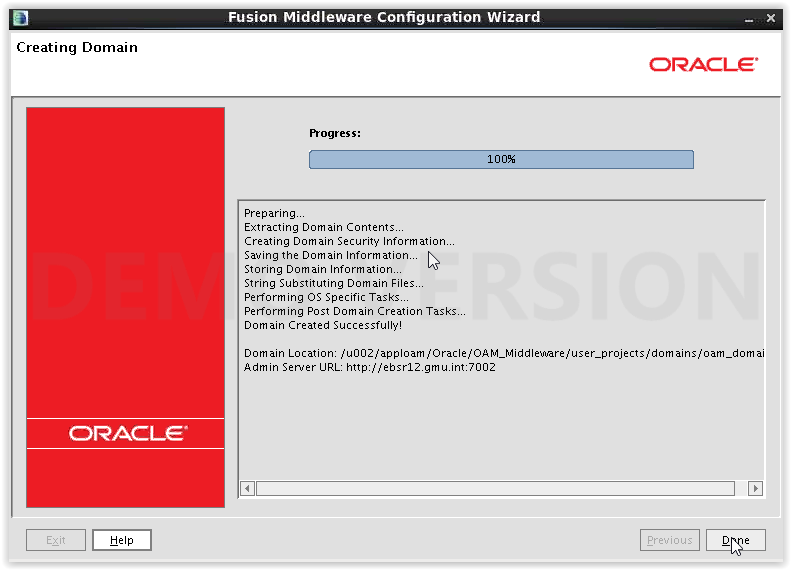
Creating domain for Oracle Access Manager :
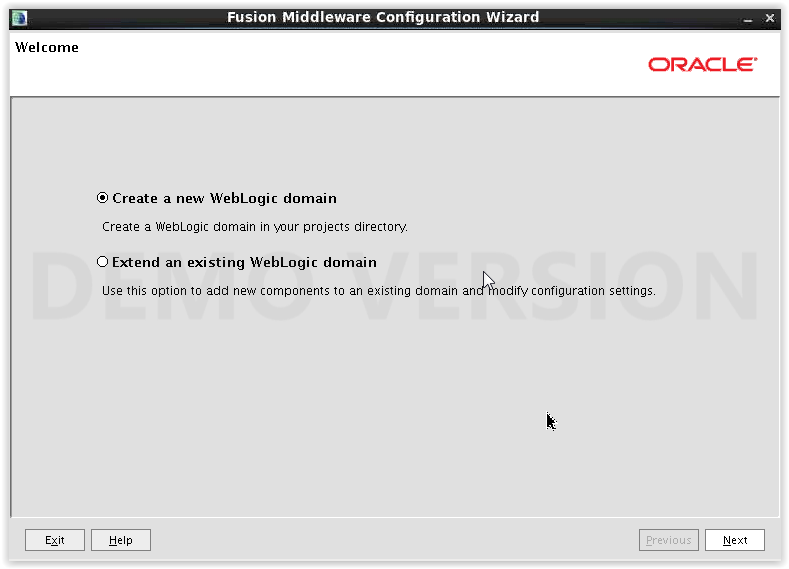
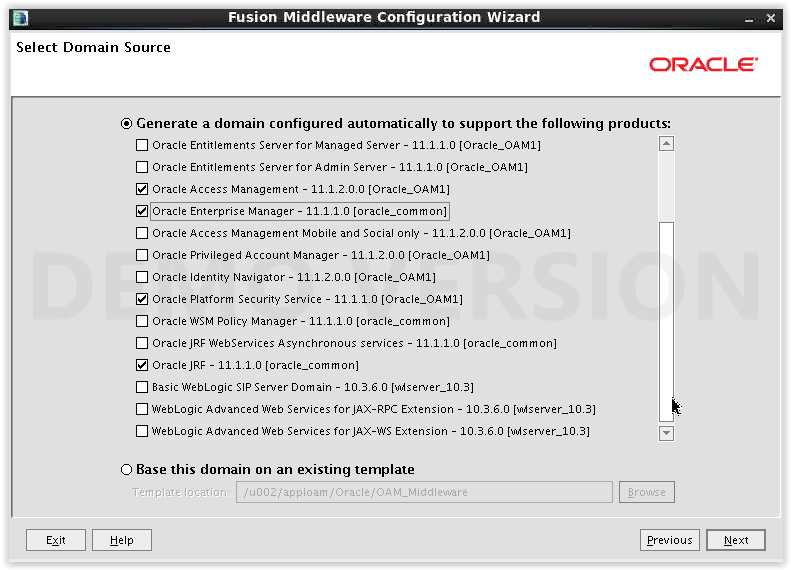
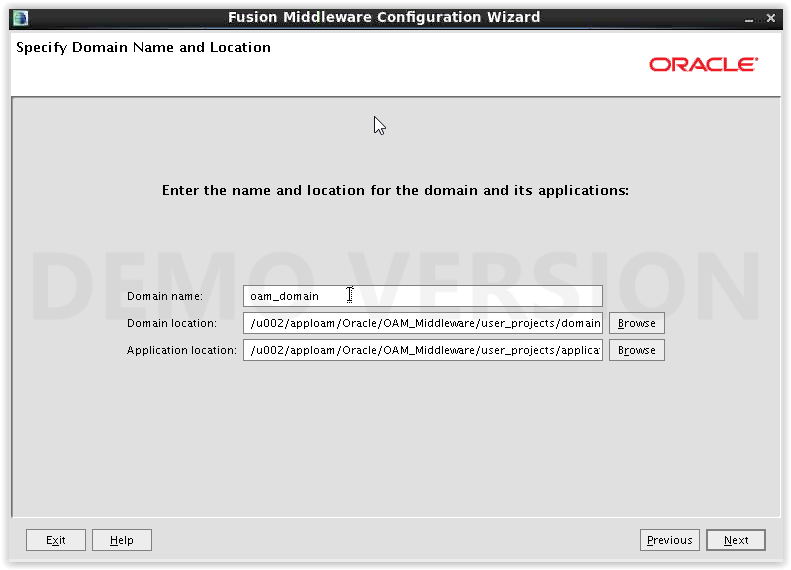
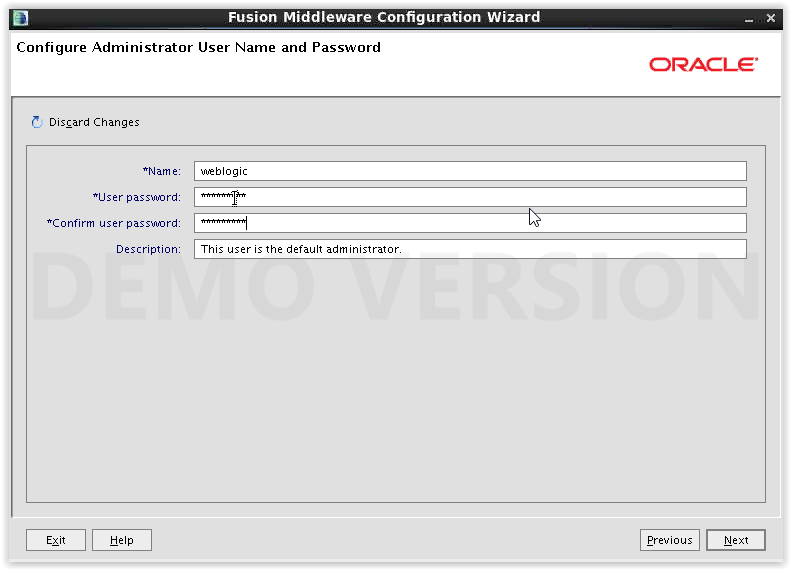
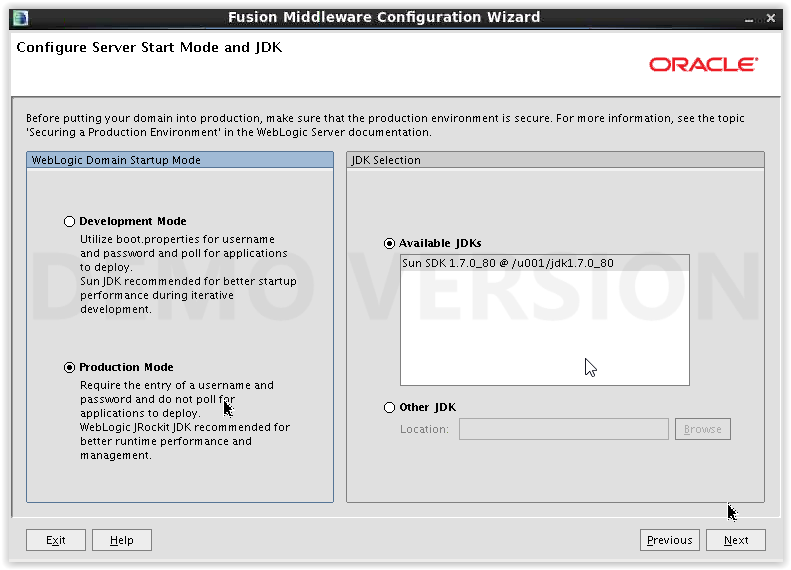
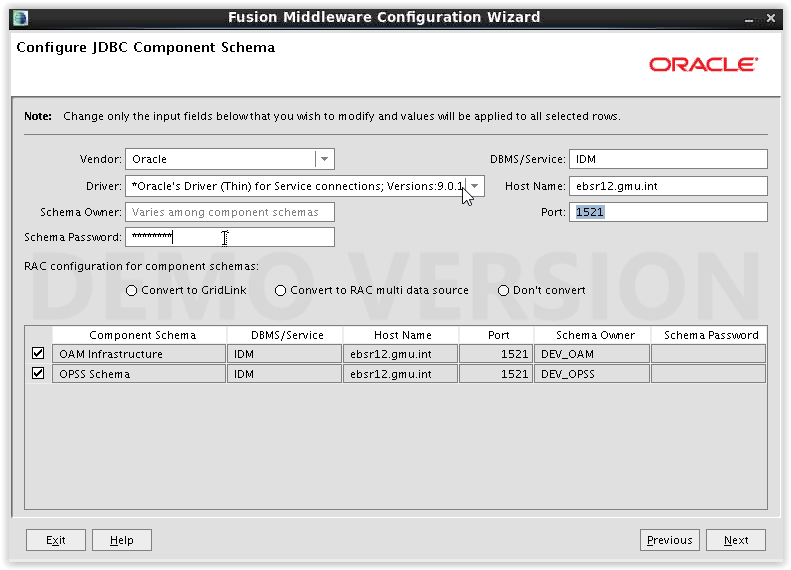
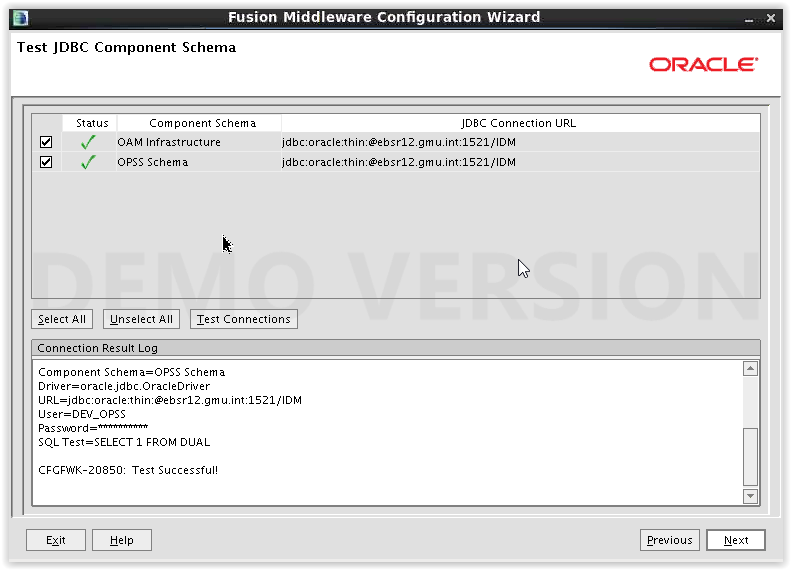
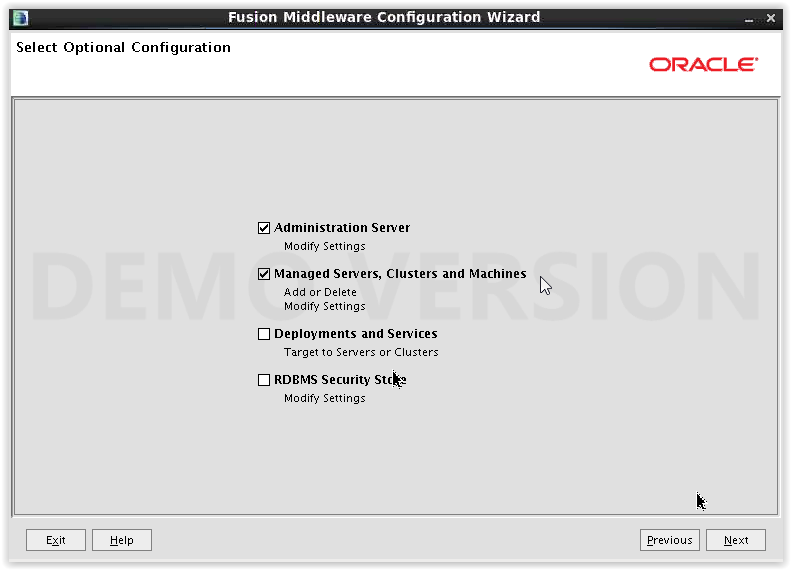
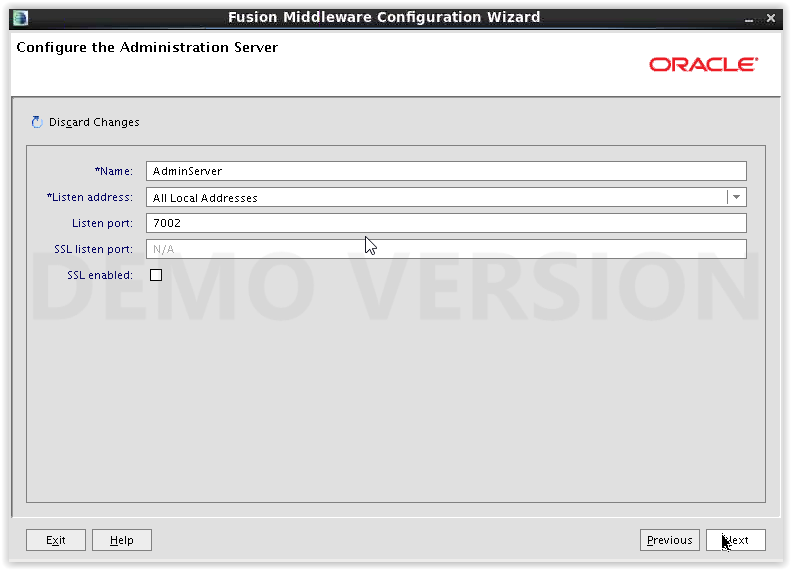
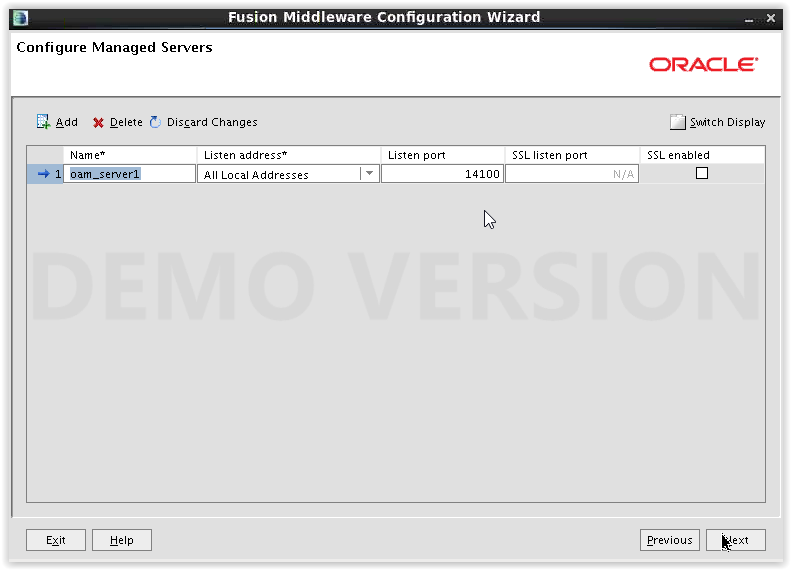
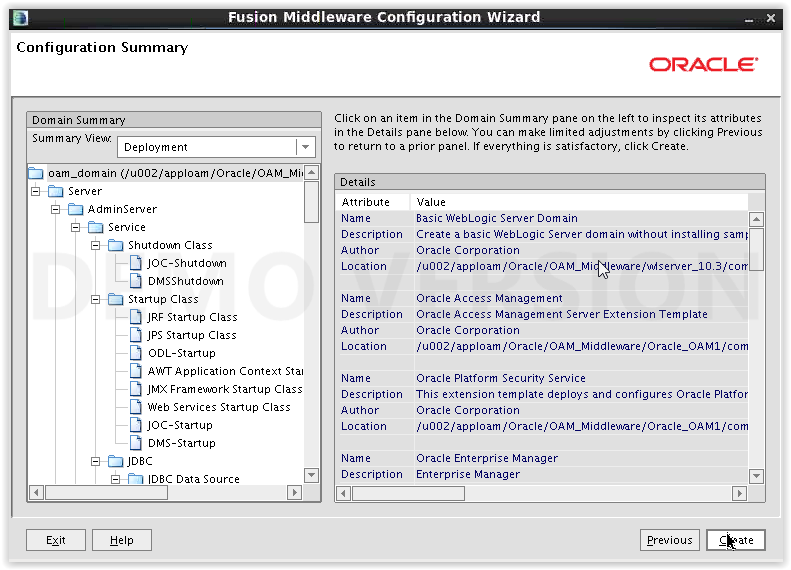
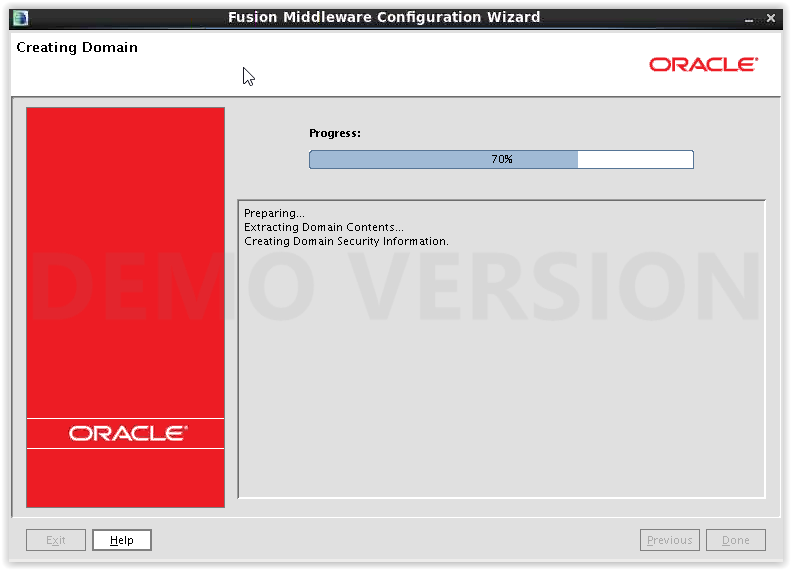
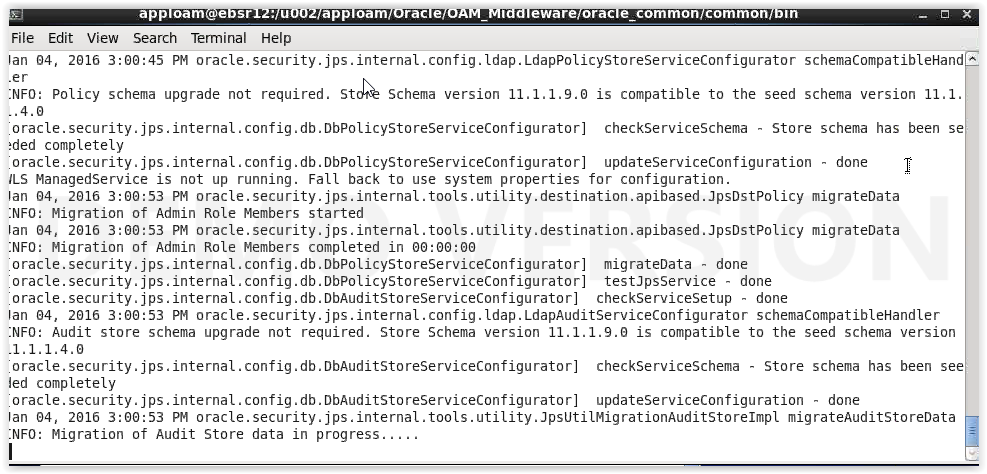
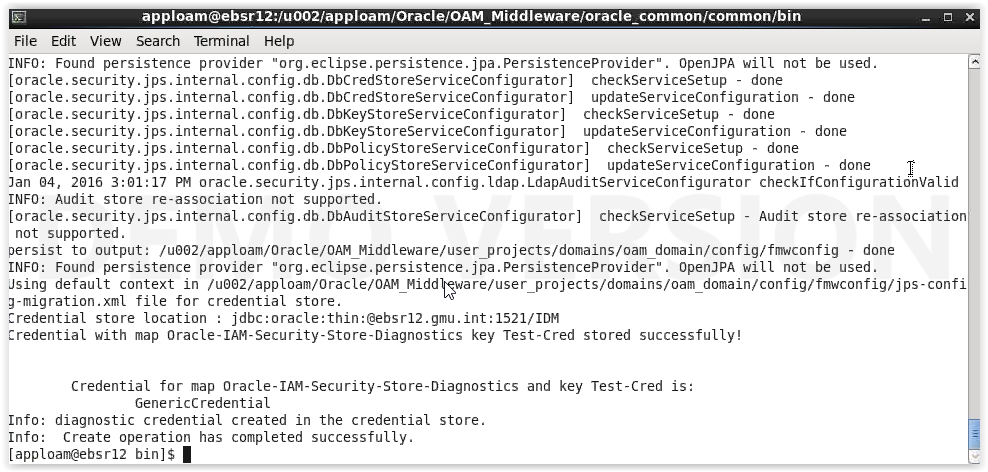
ConfigureSecurityStore for OAM :

Creating boot.properties file for not asking username and password when starting Admin and oam_server1 managed servers:
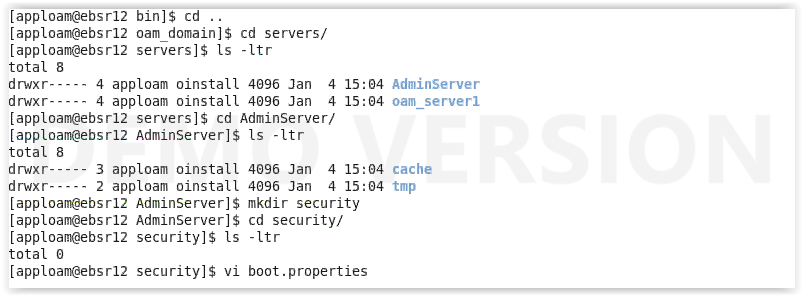

Copy the created security folder to oam_server1 directory also.
Start AdminServer of OAM :

Start oam_server1 managed server of OAM :

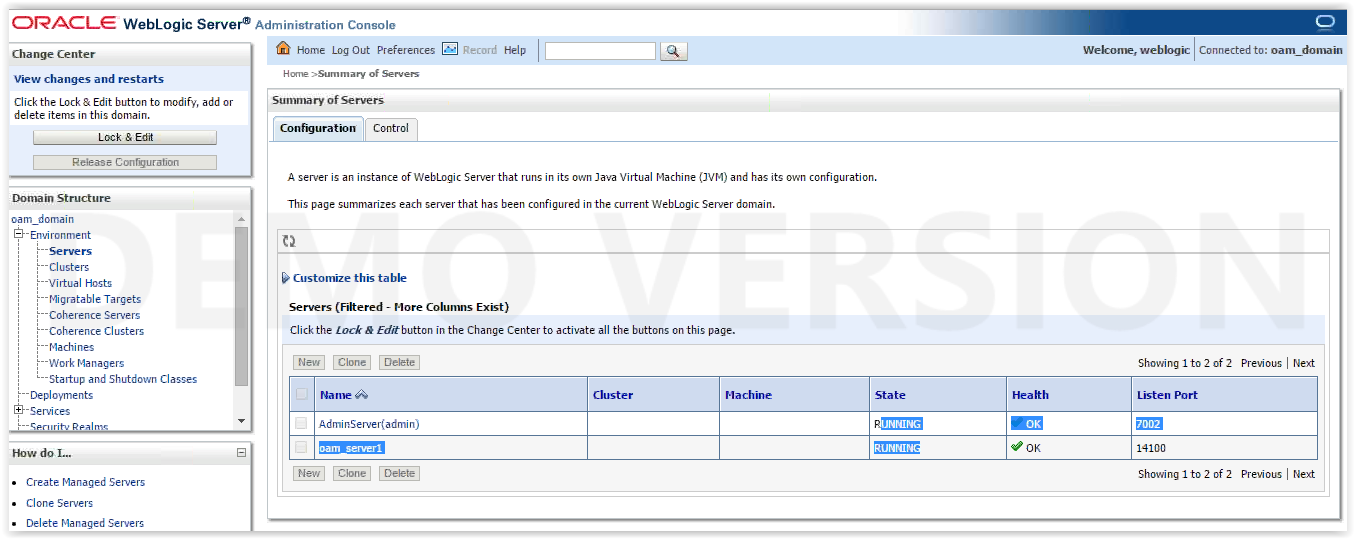
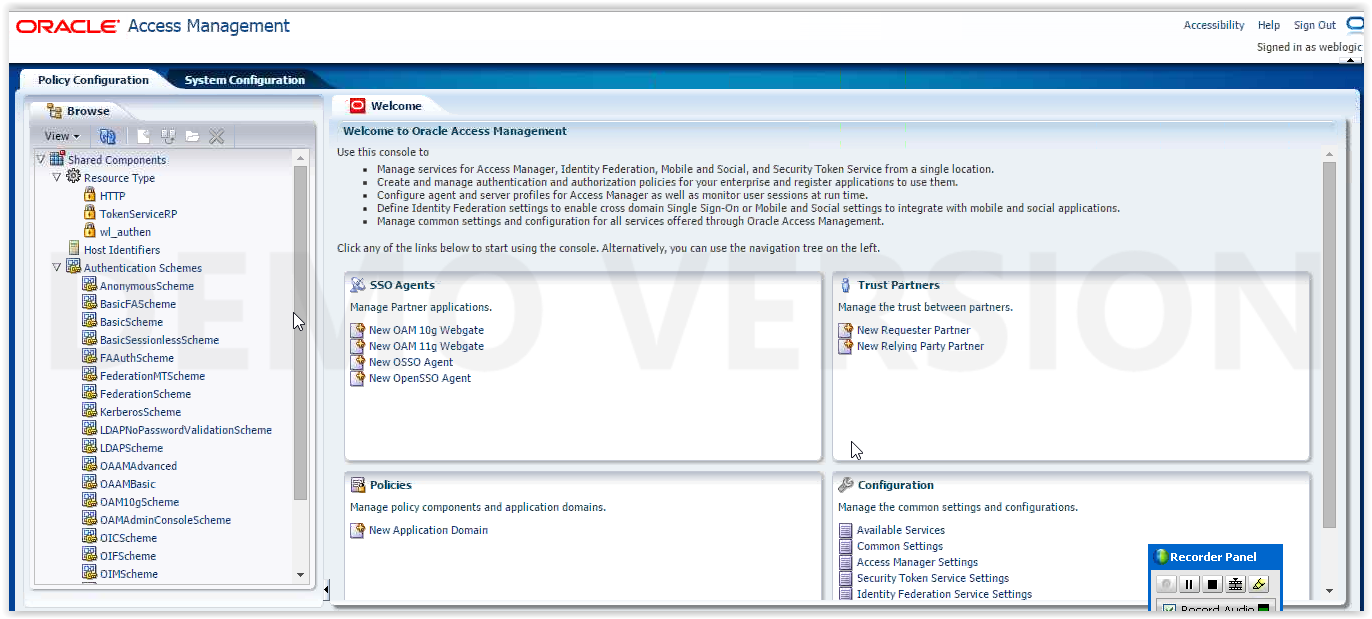
Upgrading OAM 11.1.2.0.0 to 11.1.2.3.3:
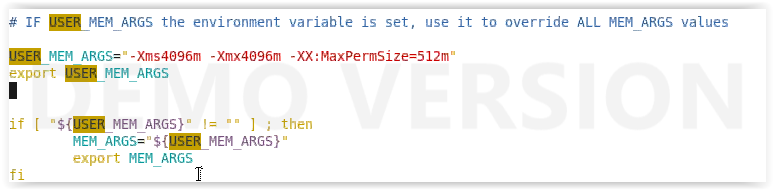
Add the below arguments in setDomainEnv.sh by taking the backup of the original.

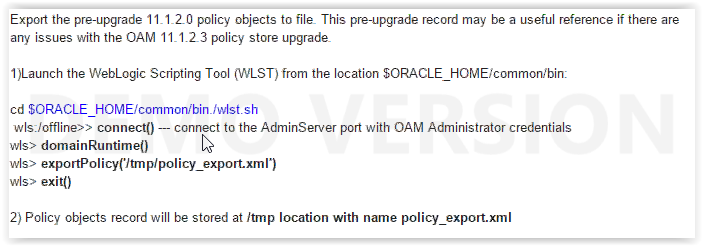
Take the backup of policy.xml file before upgrading by following below steps :
Applying weblogic patches by which it will support 11.2.3.3 version of OAM :
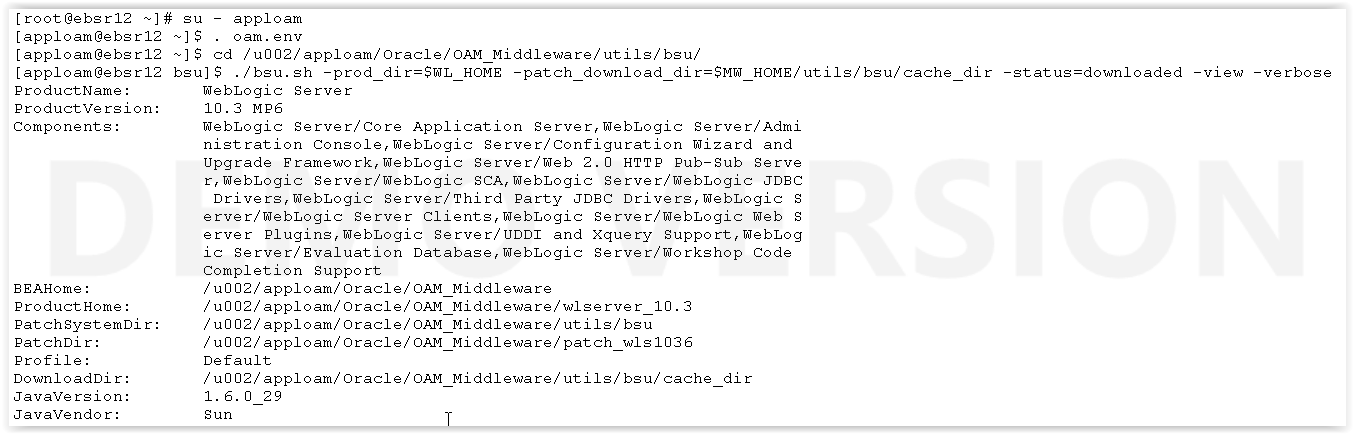
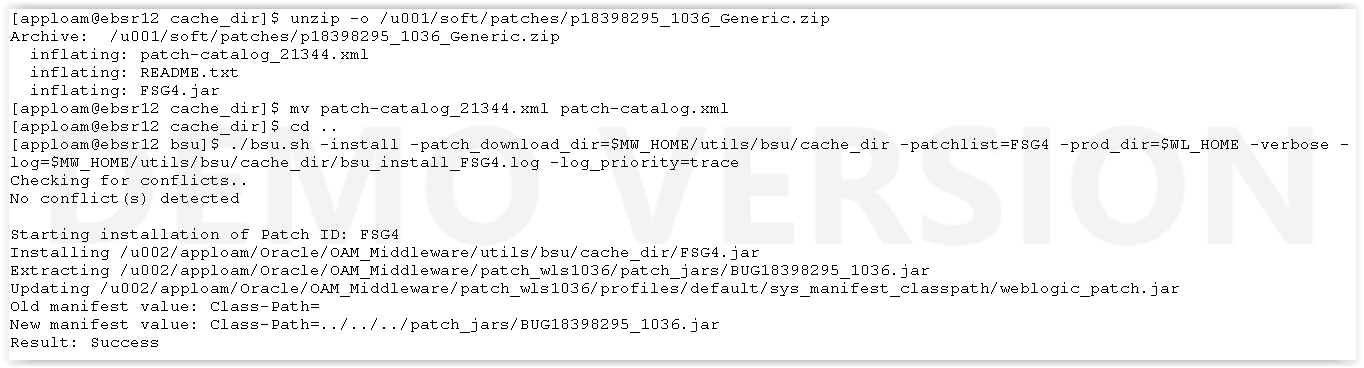








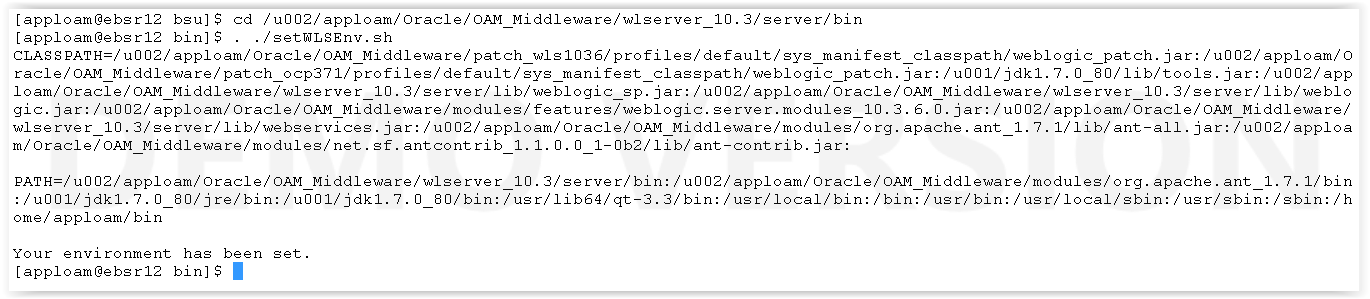



Upgrading OAM now :
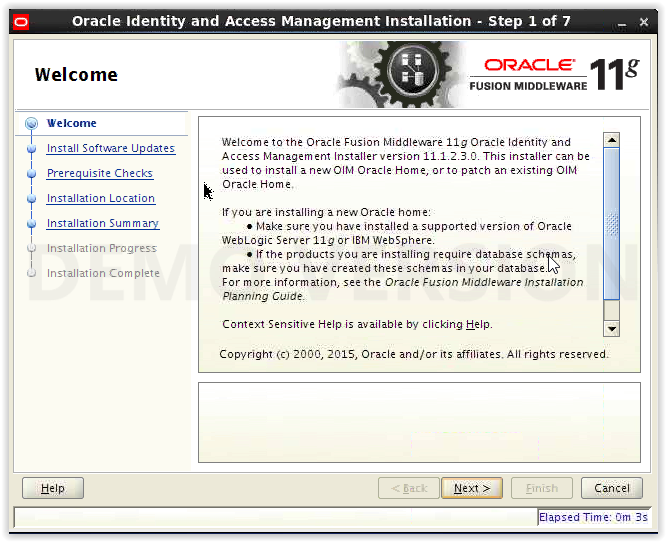
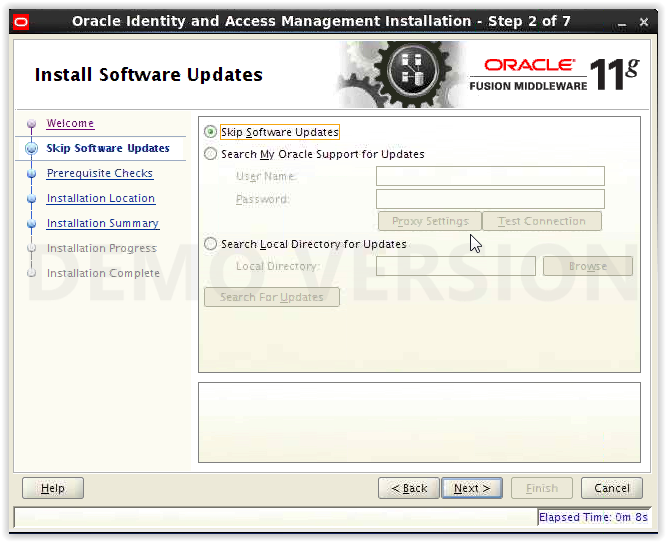
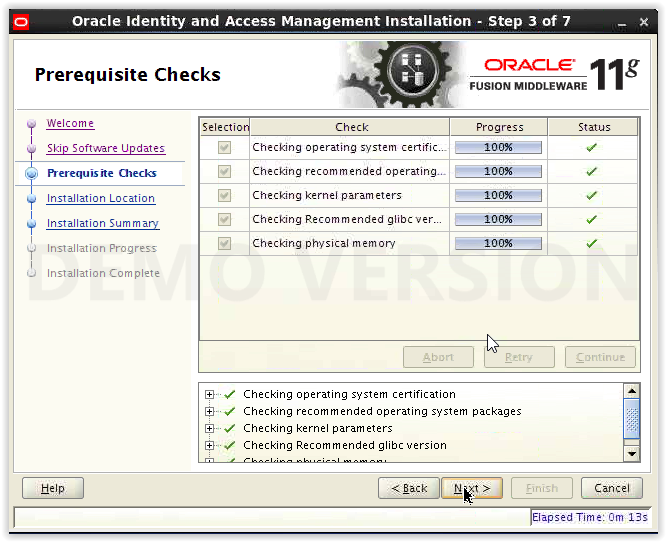
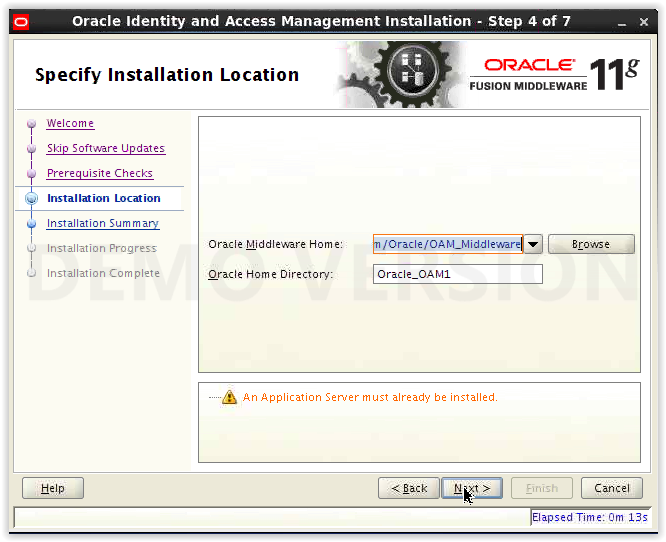
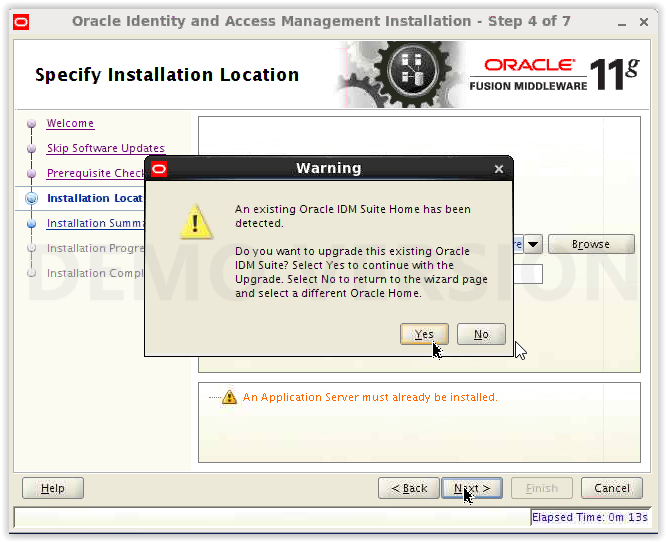
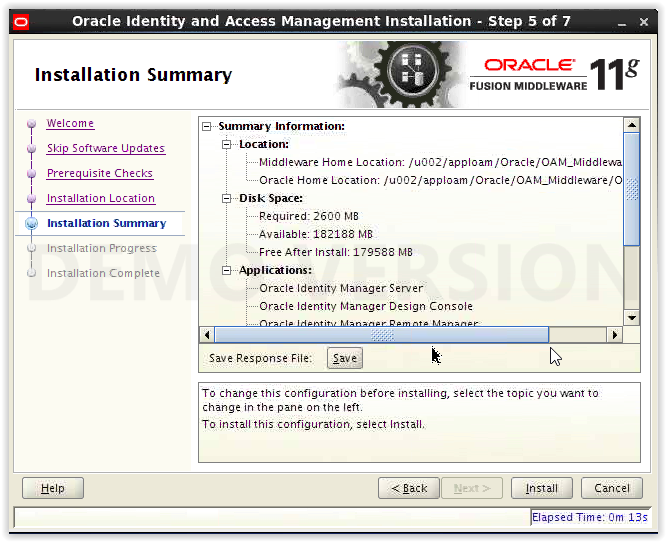
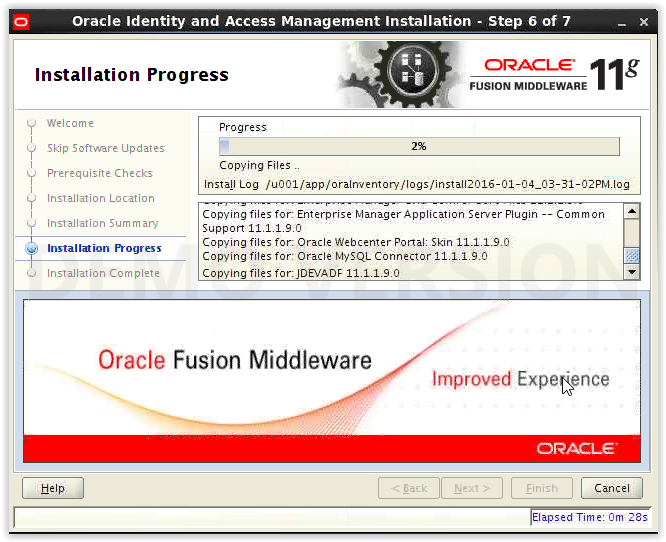
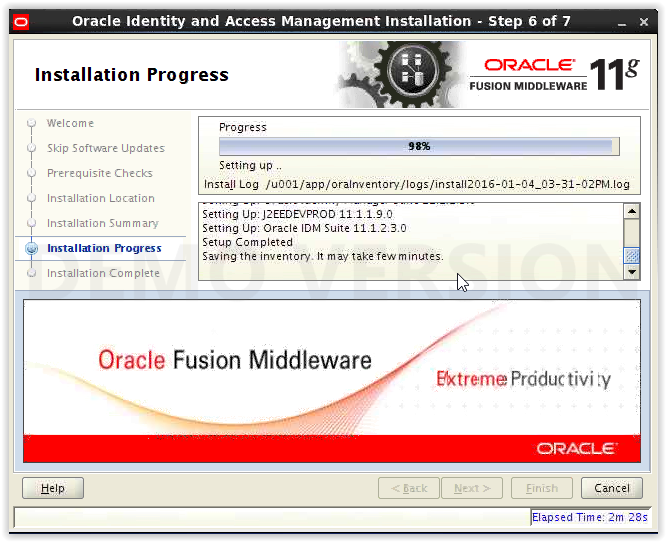
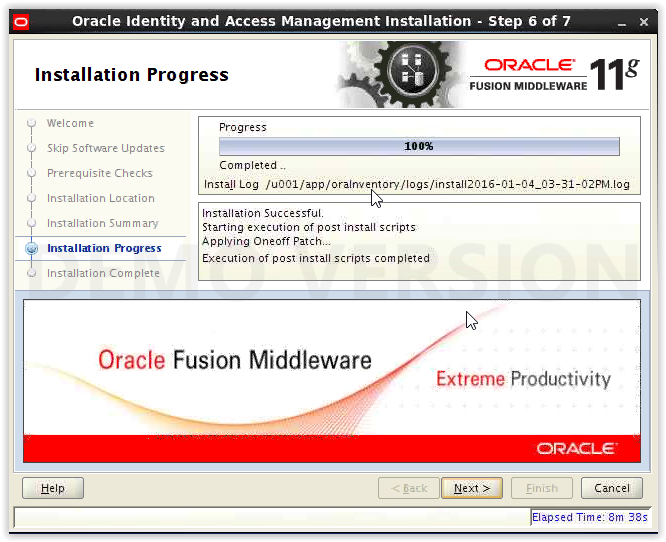
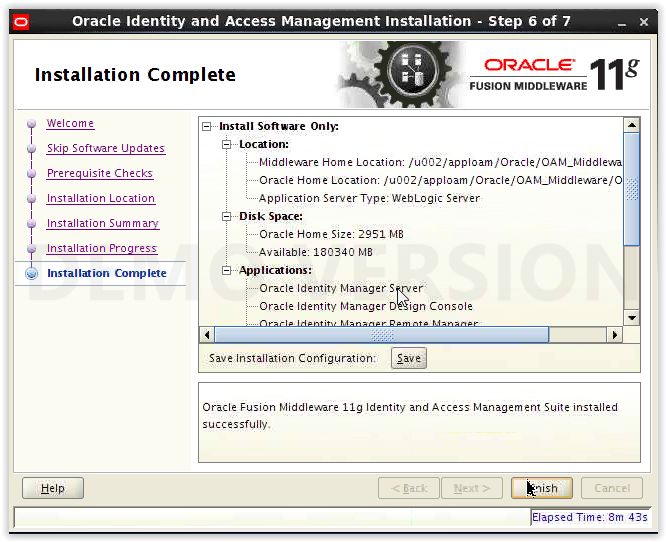
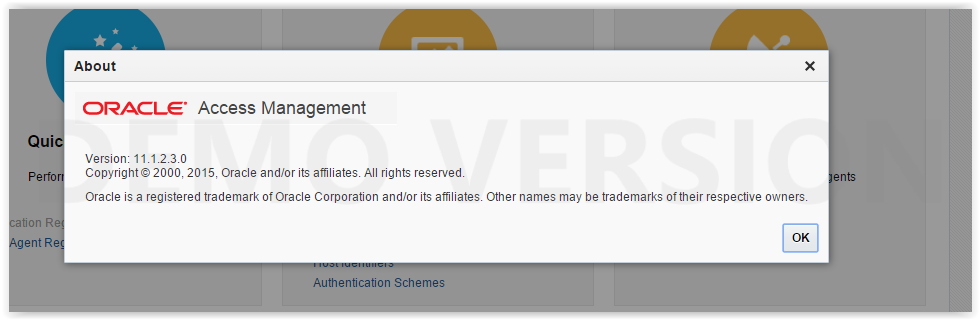
Checking that OAM upgraded to 11.1.2.3.0 :
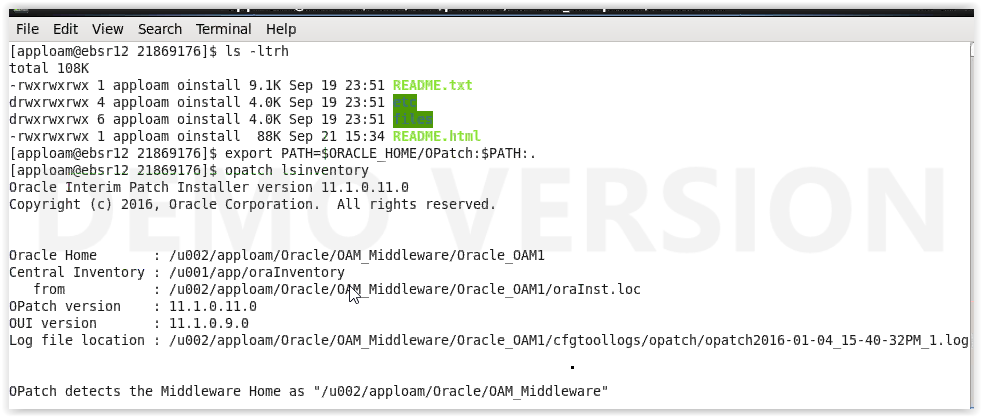
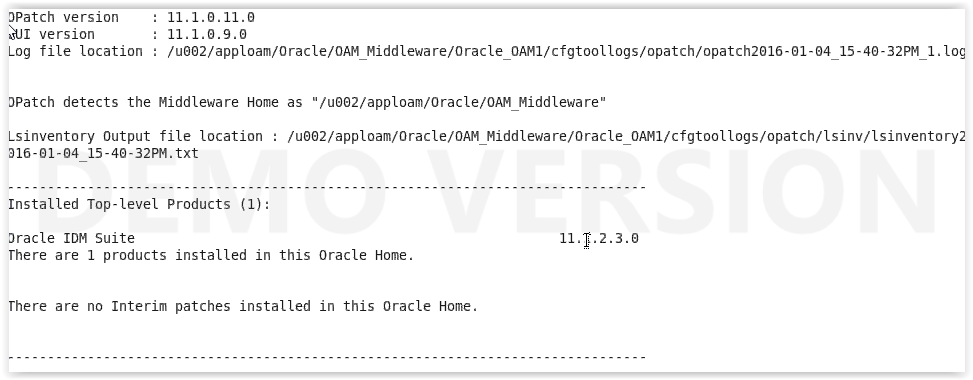
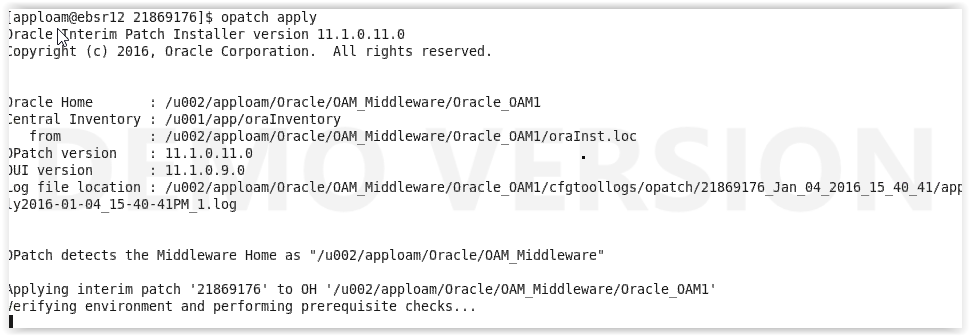
Applying bundle patch on OAM which upgrades to 11.1.2.3.3:
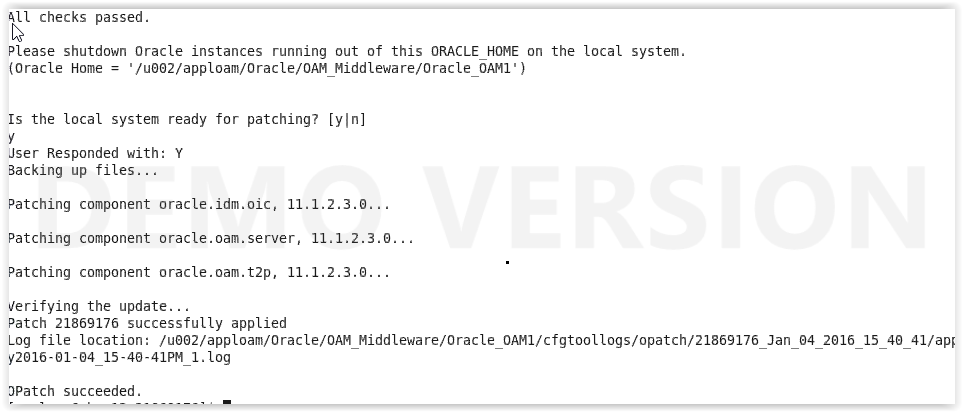
Copy the MBean files by following the below steps :

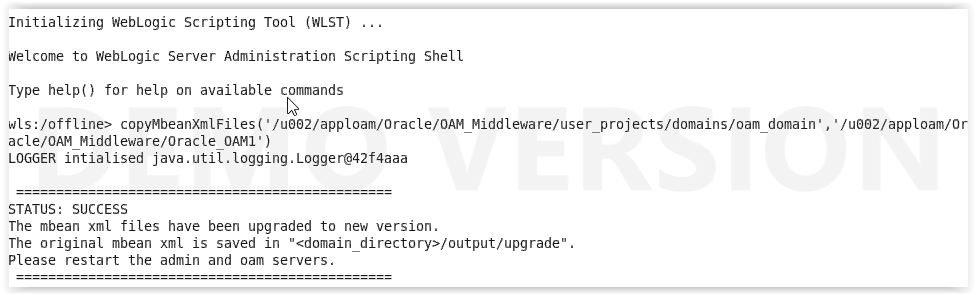
Upgrade OAM Configurations to 11.1.2.3.0 by executing below step :


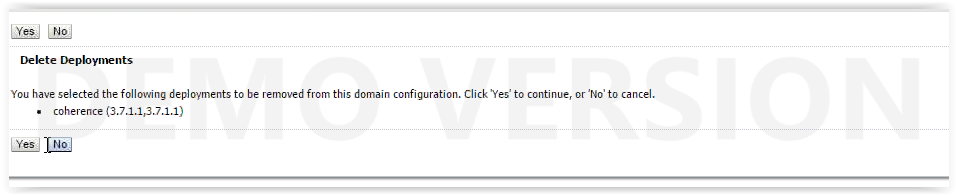
Start only AdminServer and delete coherence deployment :



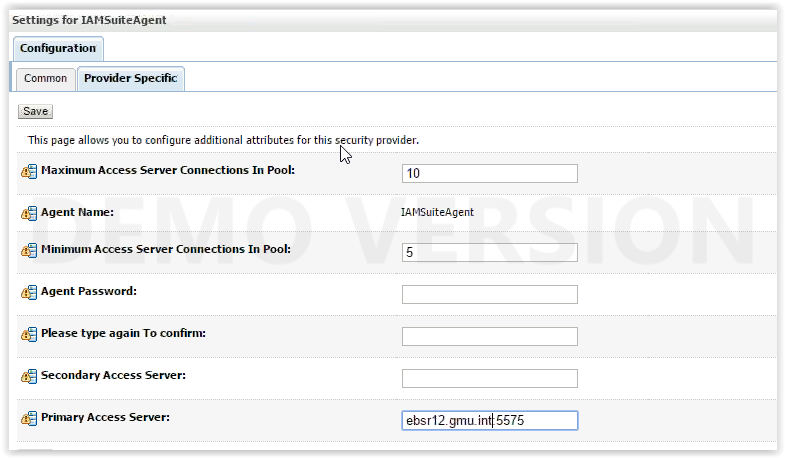
Set the primary server in provider specific of IAMSuiteAgent :
Navigation : Security Realms myrealm Providers IAMSuiteAgent Provider Specific
Now by stopping AdminServer , again start AdminServer and managed server of OAM: