Hi techies,
This is other series called OAM series in which we will cover.
- Oracle Access Manager Single Node Installation.
- Consoles walthrough.
- Oracle Access Manager High Availability(in the same post will cover cloning)
Now, we are going to install OAM 11g(11.1.2.3), for this pre-requisites are
- Configure JDK_HOME
- Install WLS (10.3.6) server.( https://blog.hussaindba.com/weblogic-10-3-6-installation-oid-series-post2/)
- Create repository for OAM through RCU utility.
- Install OAM 11g.
- Consoles checking.
This posts will show you single node Installation of Oracle Access Manager 11g.
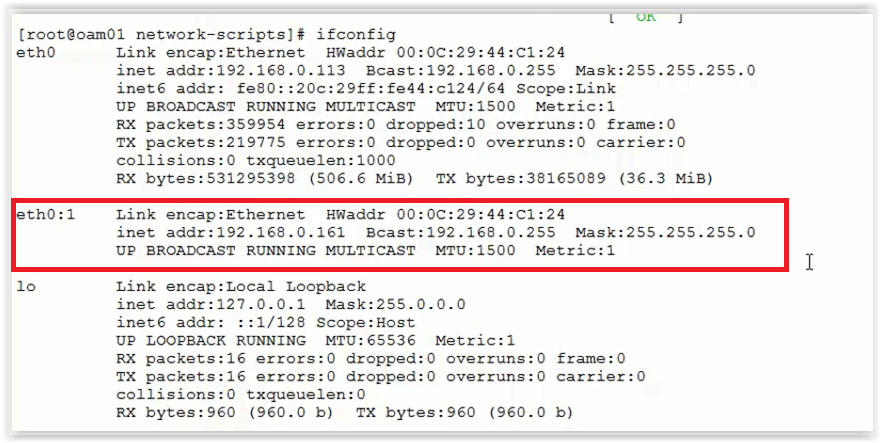
In the screenshot below I highlighted my VIP address(Mainly for Admin server) which I will be going to use in OAM Cluster configuration.
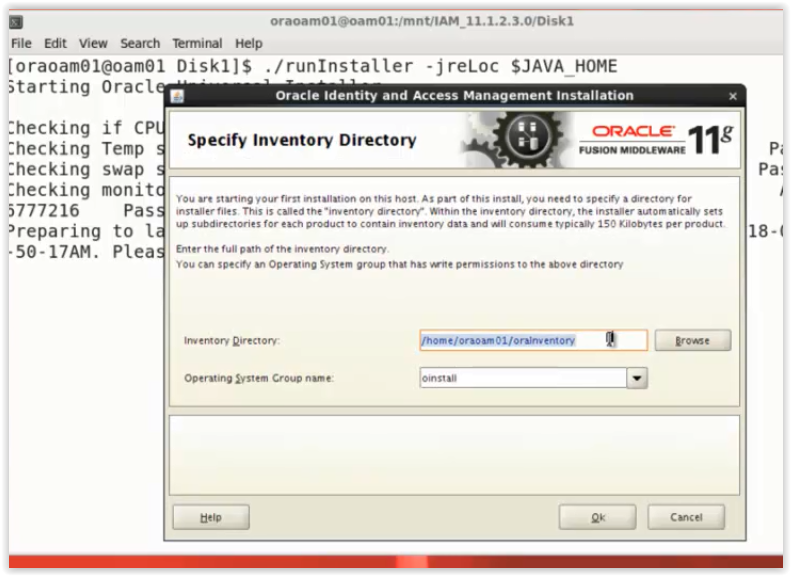
Invoke runInstaller from OAM downloaded ship home
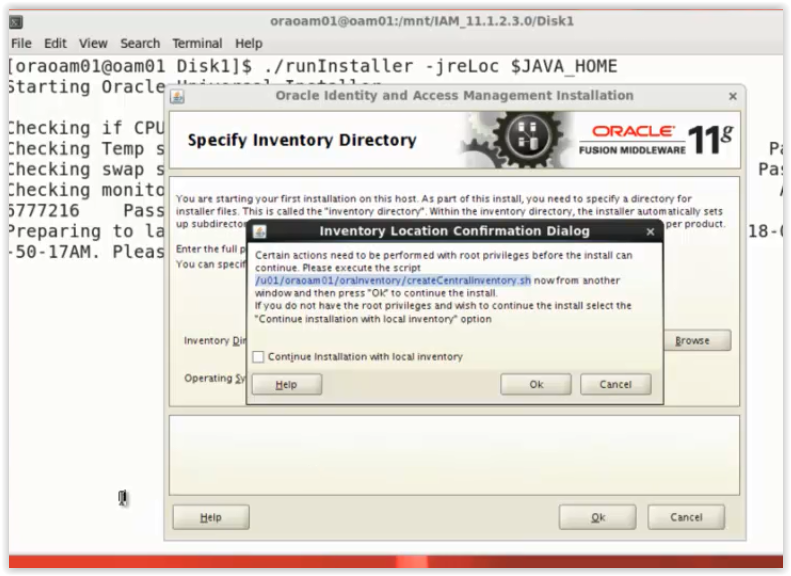
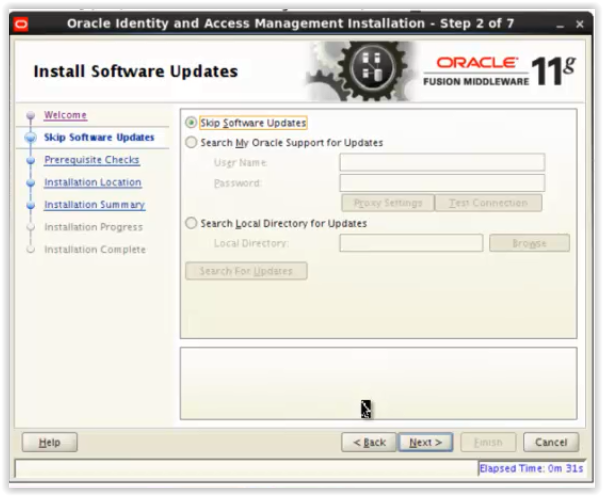
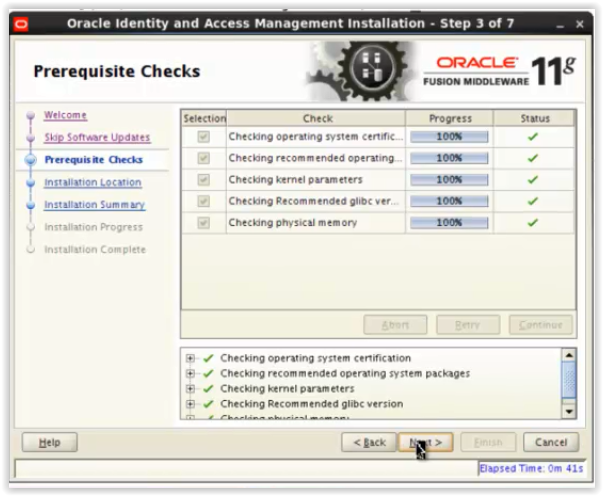
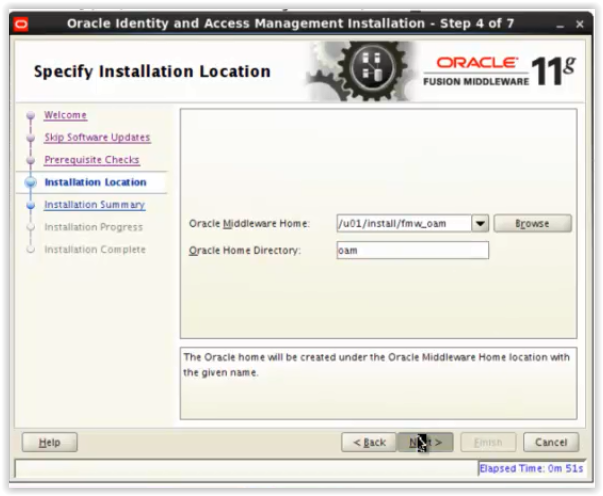
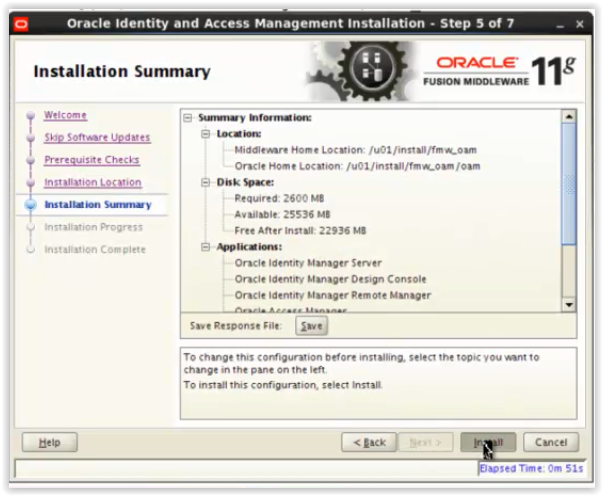
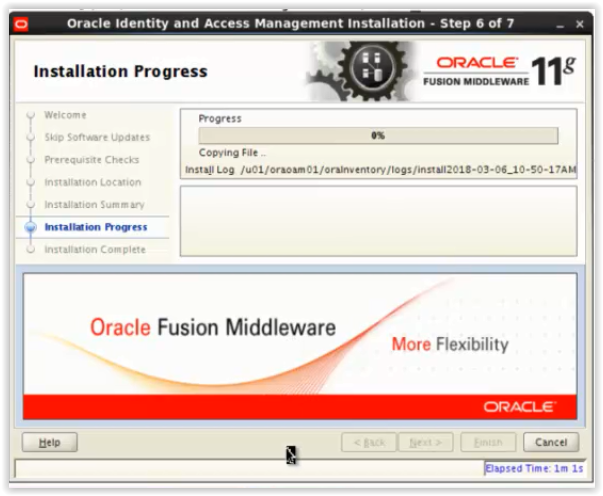
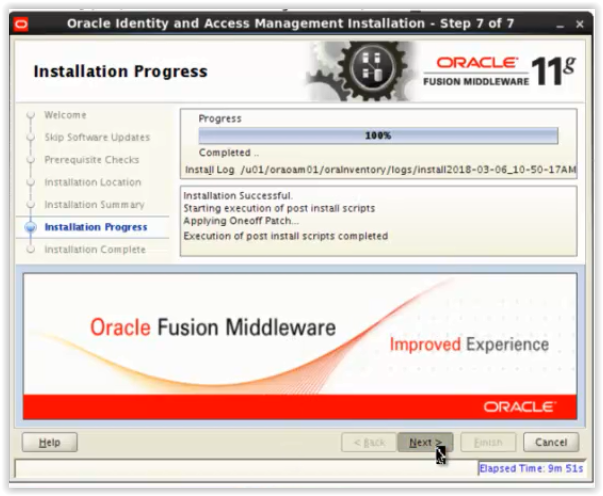
With the below screenshot, installation of OAM 11g completed.
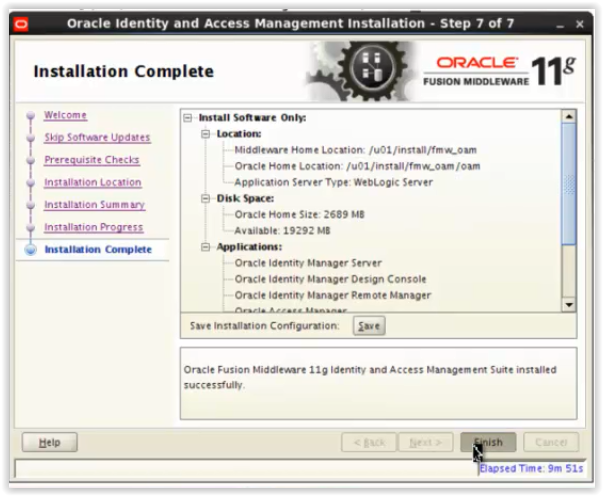
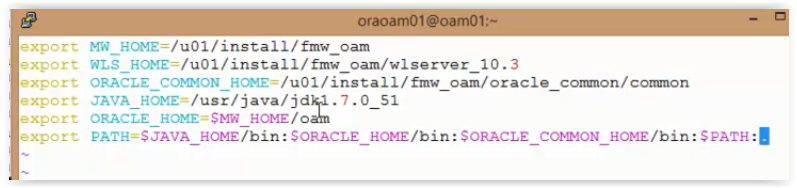
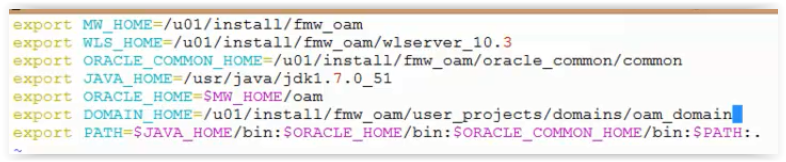
Setting environment variables for OAM:
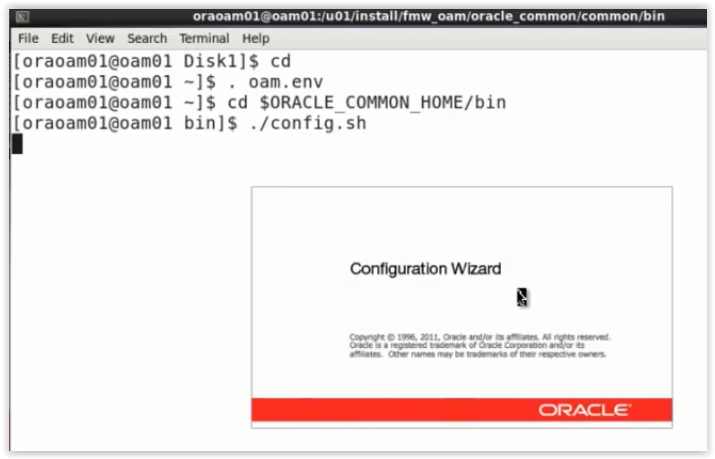
After the installation of OAM binaries, have to create domain using config.sh of ORACLE_COMMON_HOME
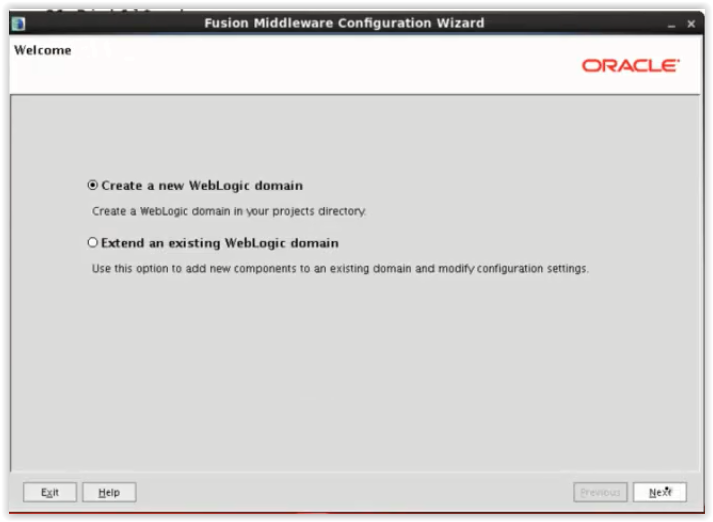
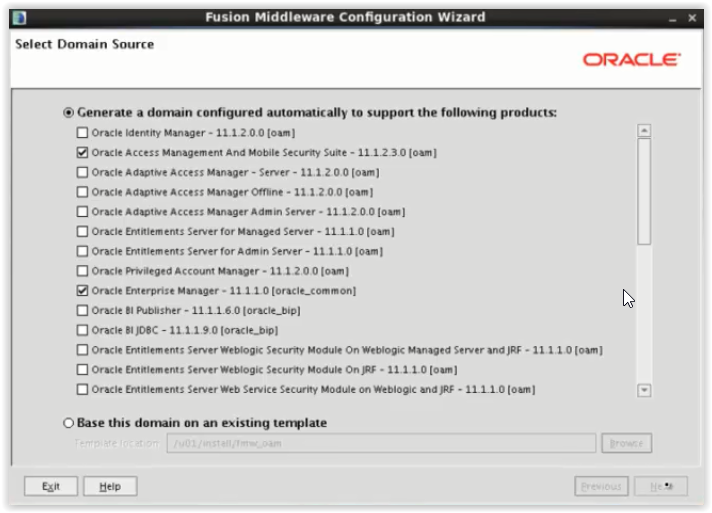
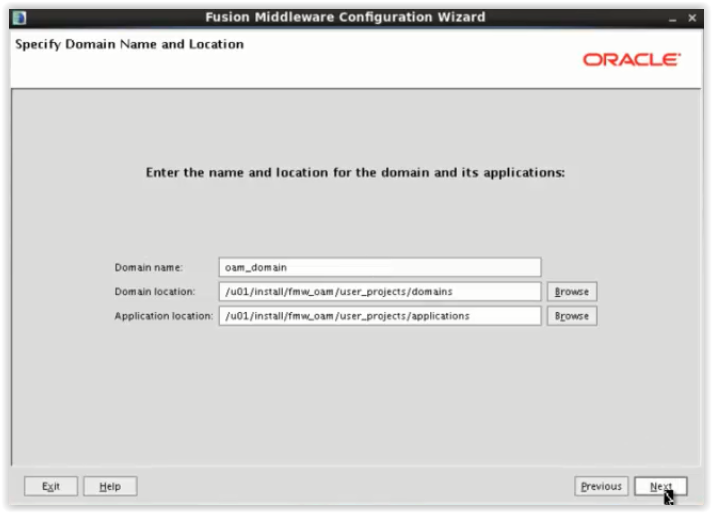
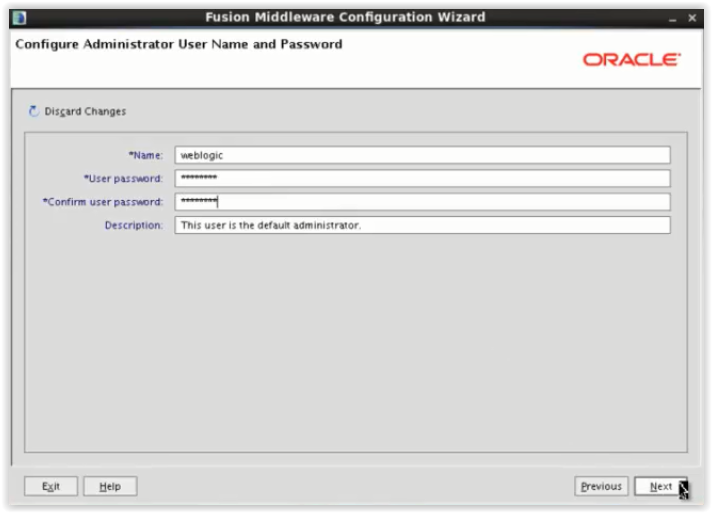
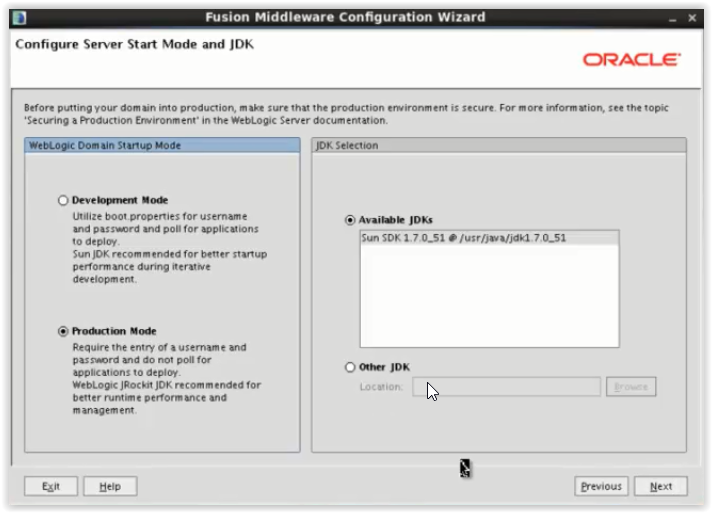
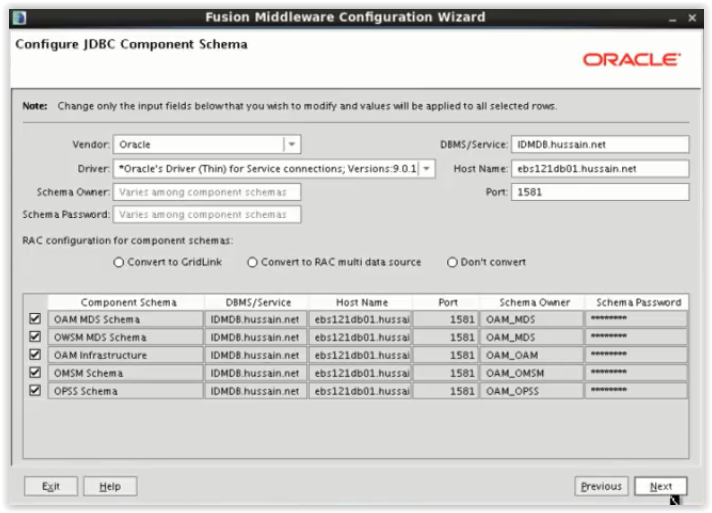
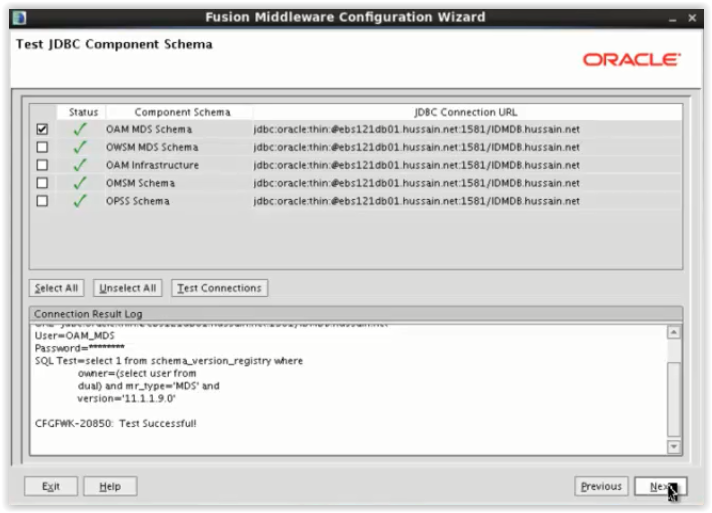
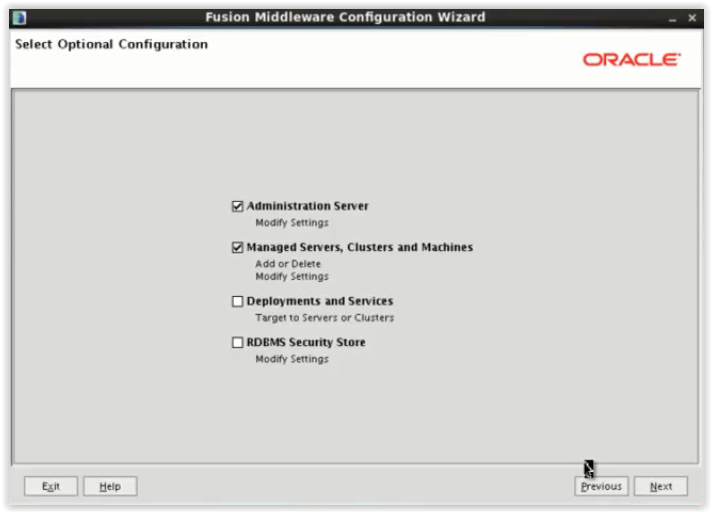
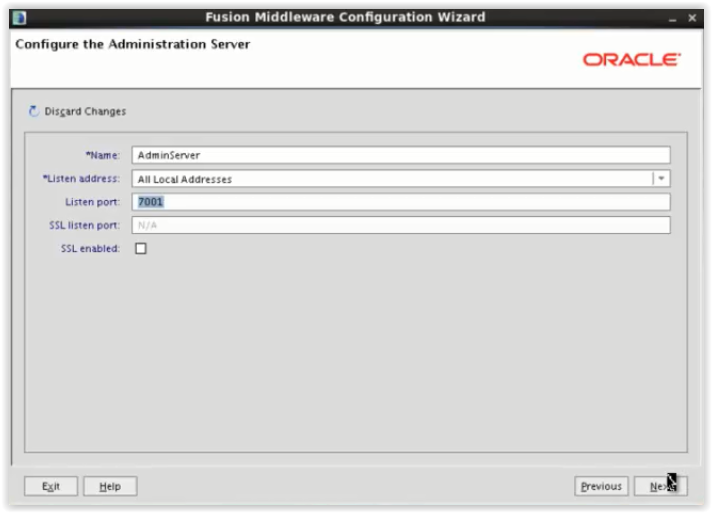
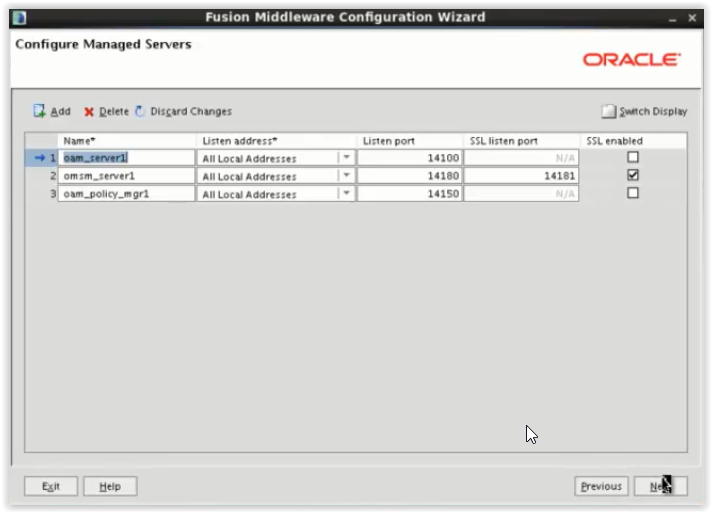
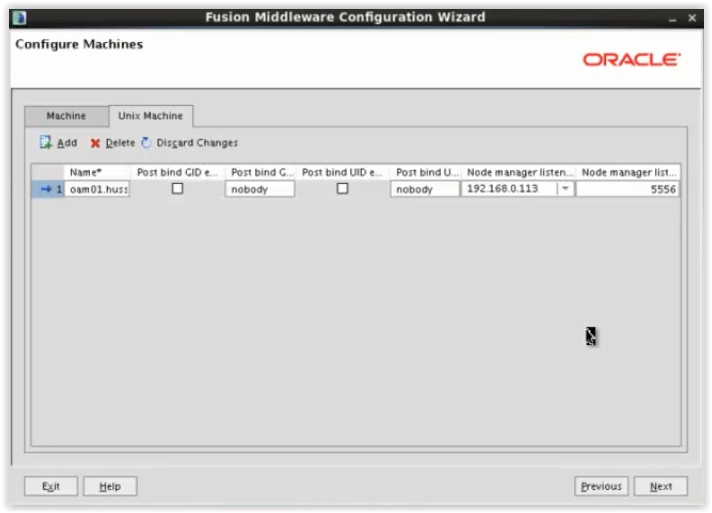
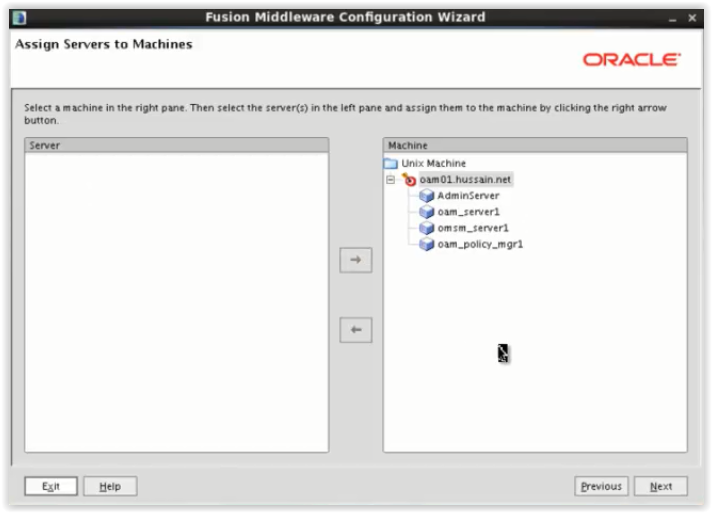
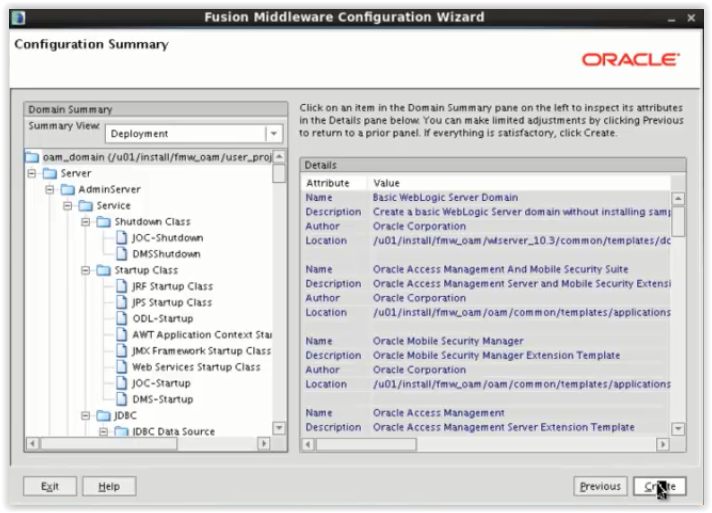
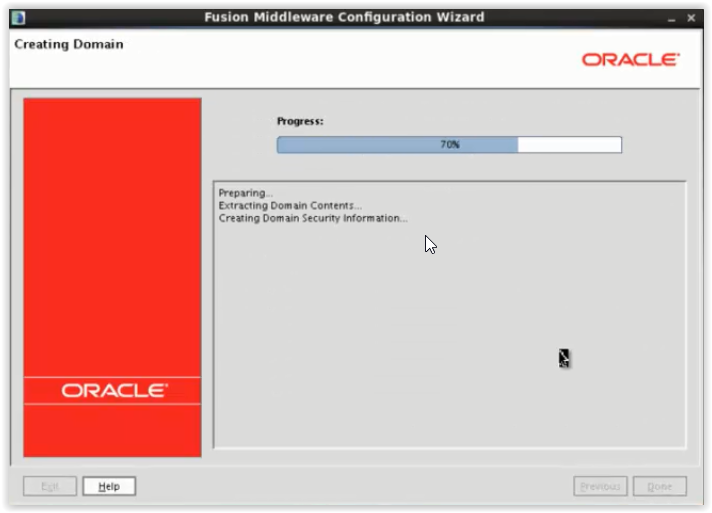
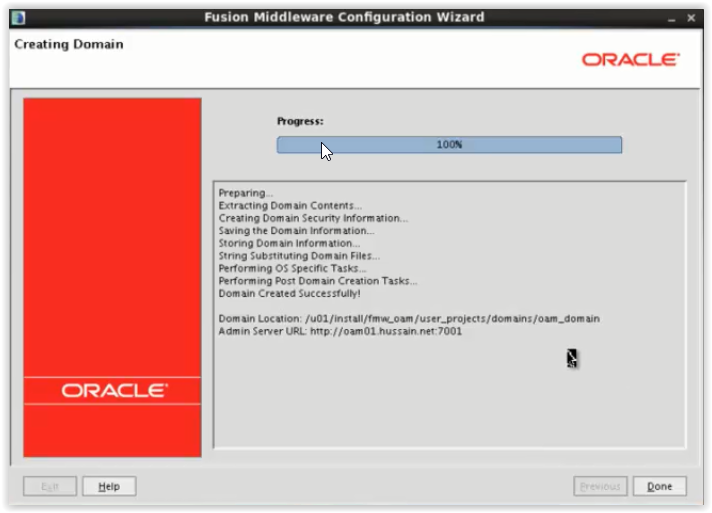
With the below screenshot domain configuration completed successfully, where it created Admin server and associated managed servers of OAM. Mainly we have to look after here Admin and oam_server1 managed server.
After domain configuration, add the environment variable of DOMAIN_HOME.
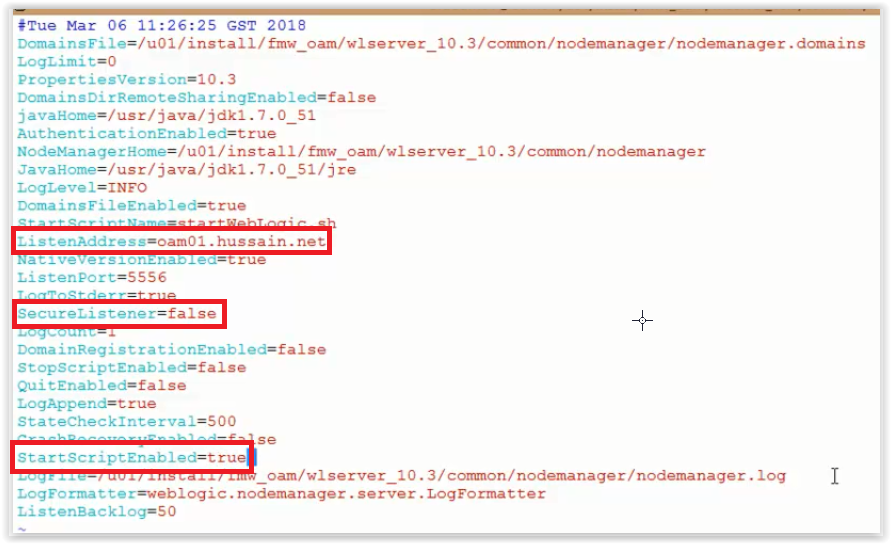
Edit the nodemanager.properties with SecureListener parameter to false as we want to use Plain socket nodemanager.
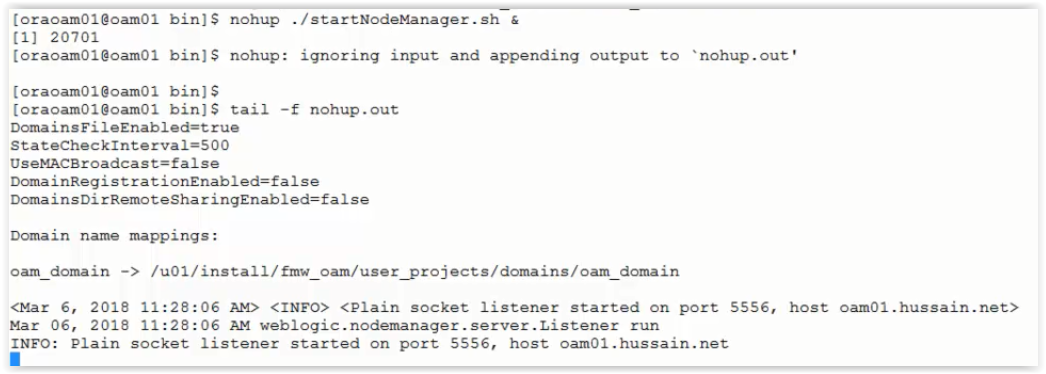
Start the Nodemanager:
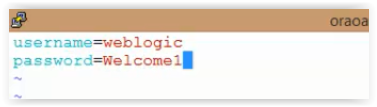
Create boot.properties for Admin server to start the same without login authentication:



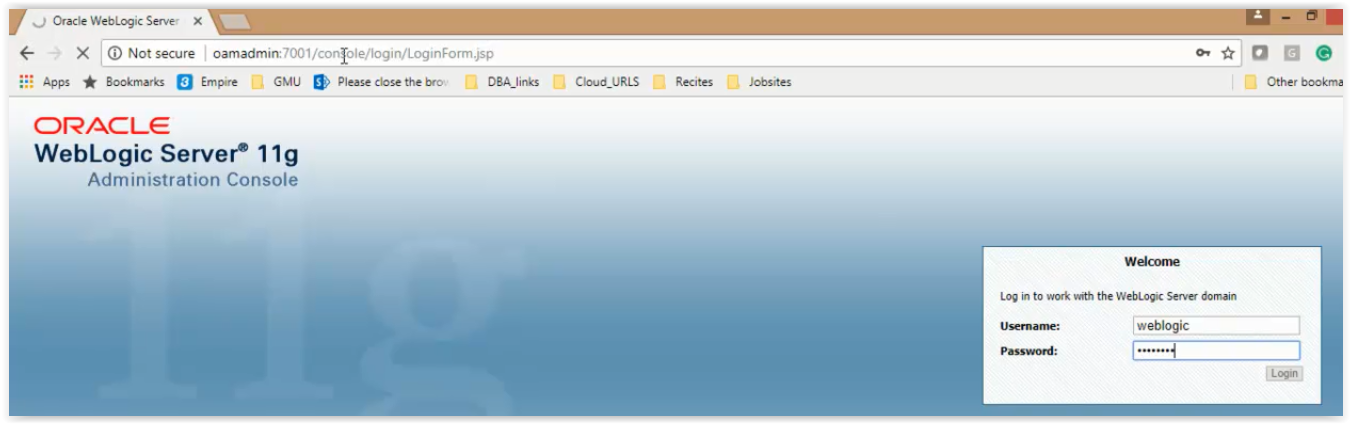
Check by logging to Admin Console:
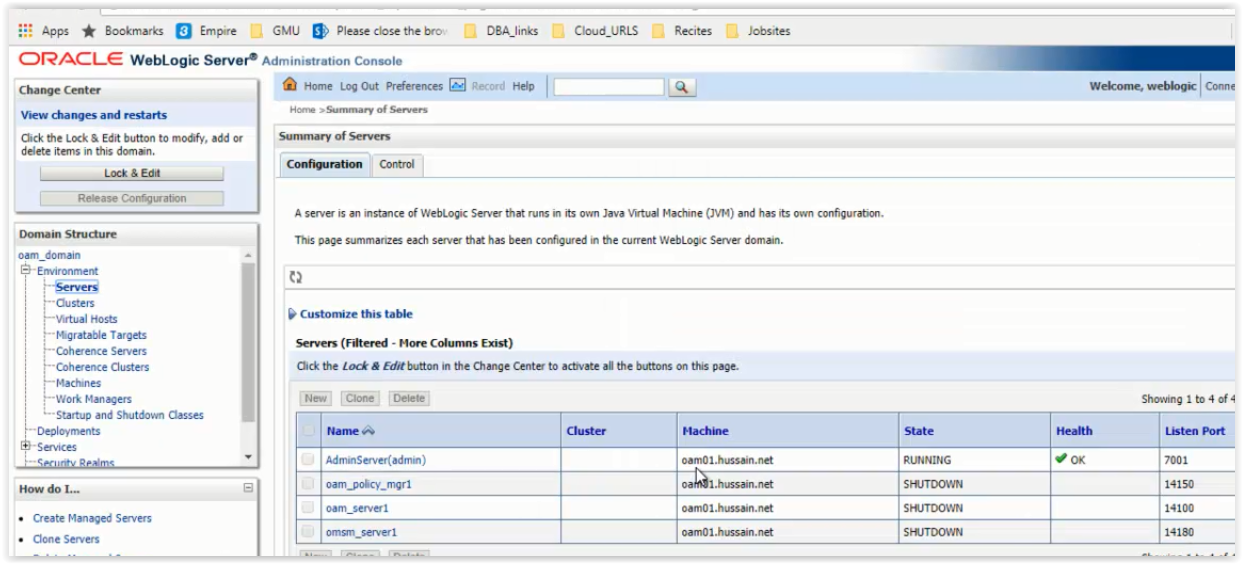
Update the machines that node manager will listen on Plain Socket:
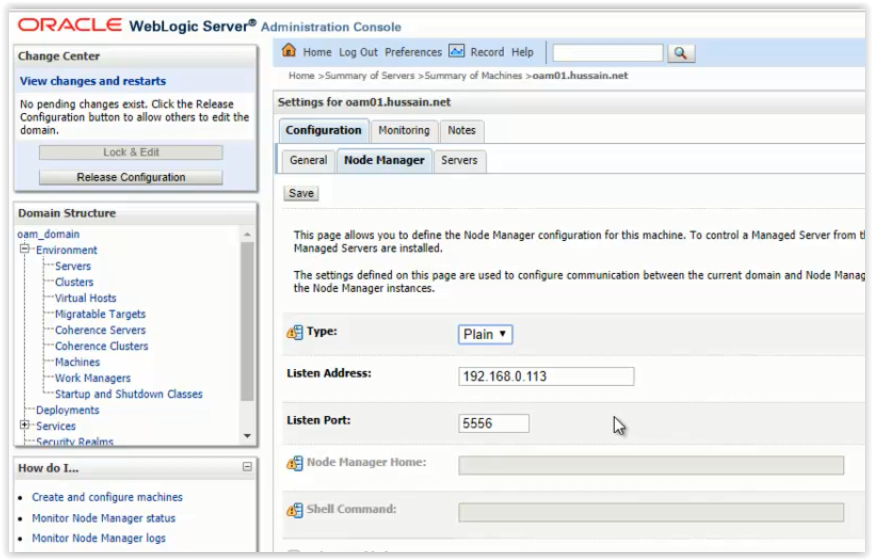
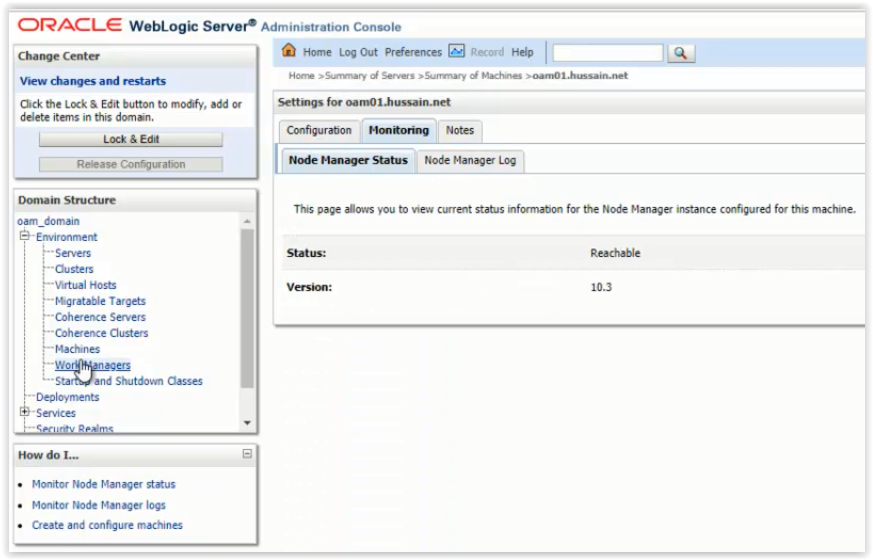
Now you can check that nodemanager is reachable for below machine or not:
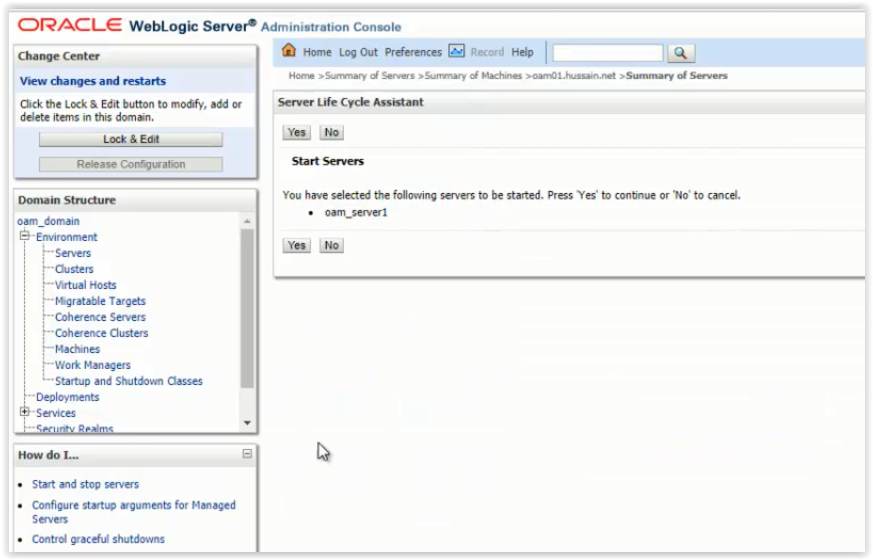
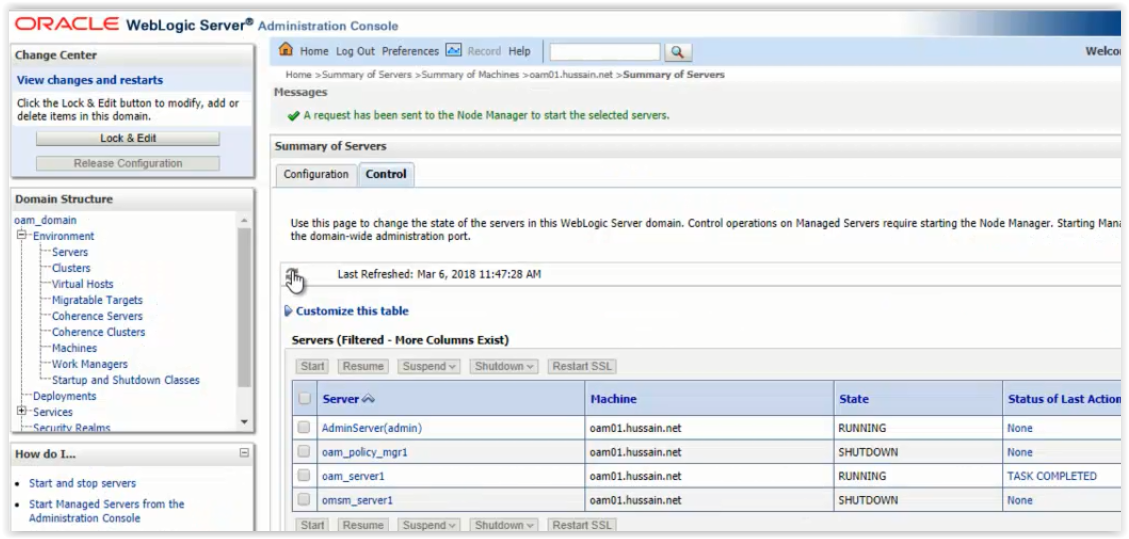
Start the oam_server1 managed server from Admin console:
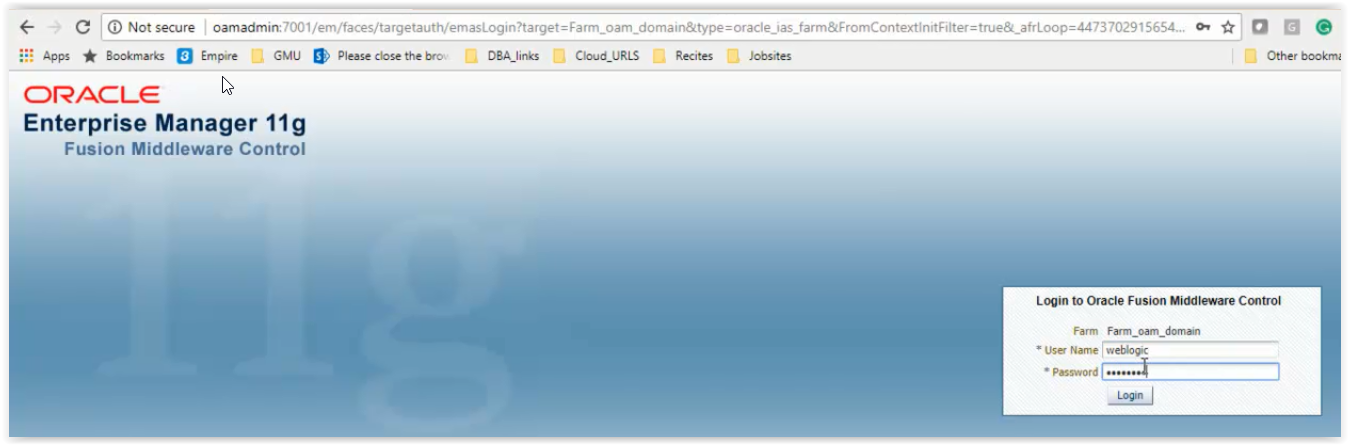
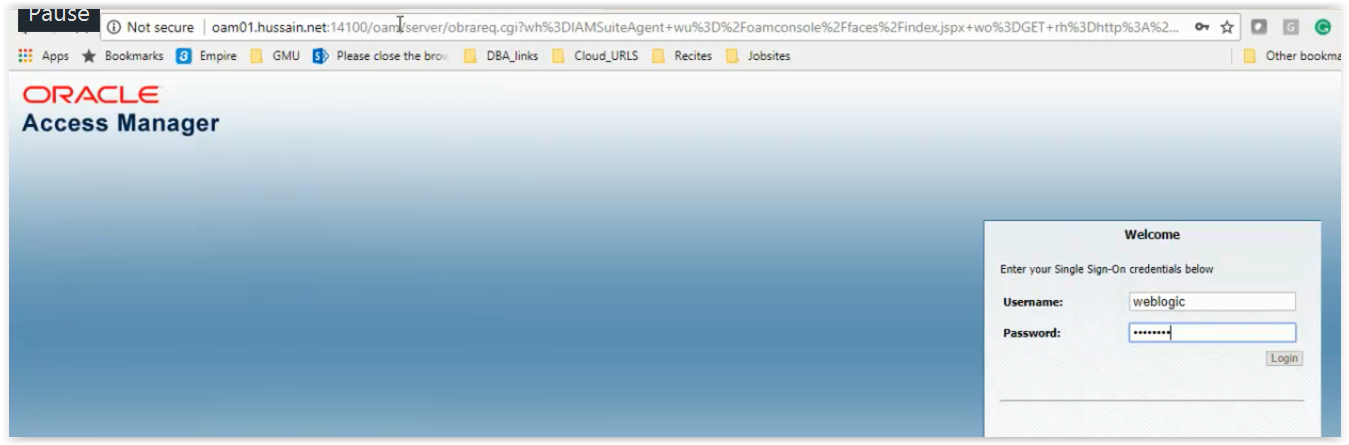
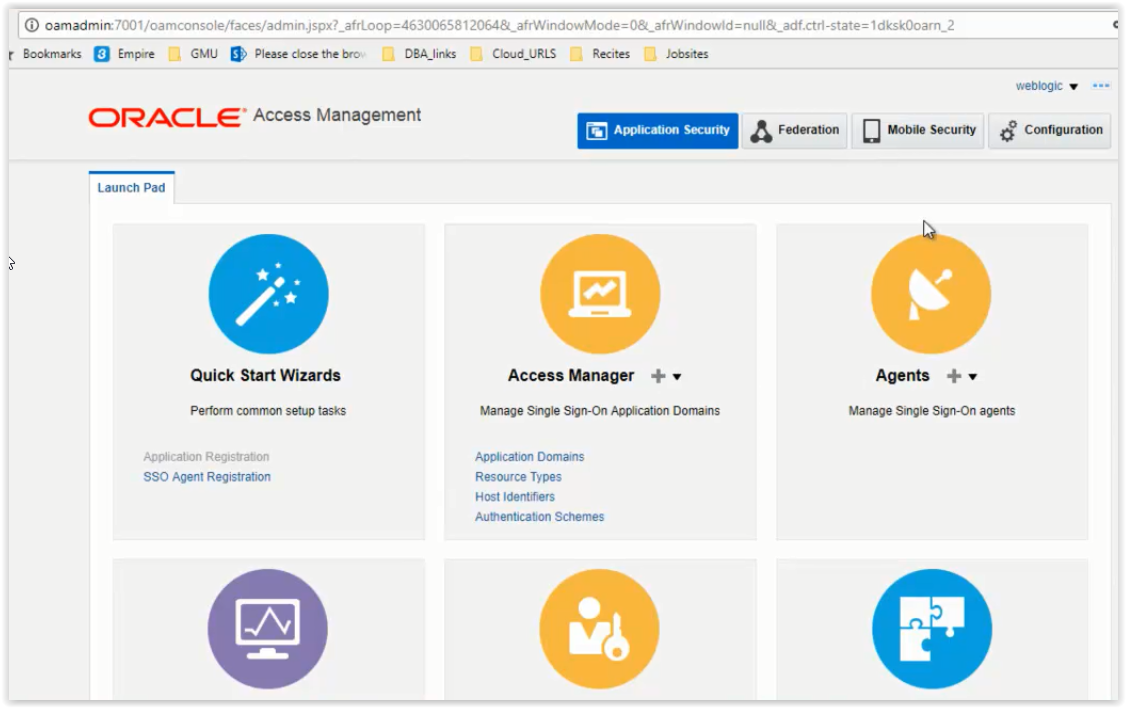
Check by logging to OAM Console: